
Updated · Comicpix (Meezyo LLC) · About
Compare
Which AI comic maker fits what you want to make?
The best AI comic generator depends on the job: a studio like LlamaGen or Anifusion if you want to build and edit panels yourself, and a done-for-you maker like Comicpix or ComicMe if you want a finished comic starring someone real. Comicpix makes this page and is one of the tools compared.
Your cover preview is free
What is the best AI comic generator?
There is no single best one, because these tools do different jobs. Some are studios: you write each panel, arrange the layout, fix the dialogue and keep going until the page looks right. Others are done-for-you: you give a photo and a short story, and you get back a finished comic with that person as the main character. A third kind is not a maker at all but a place to read comics.
So start with the question “what do I want to end up with?” If the answer is “a comic I built panel by panel”, look at the studios. If it is “a comic starring my partner, my dad or my dog, without learning a tool”, look at the done-for-you makers. Comicpix is one of those, and that is the only job it does: it does not let you draw or arrange panels yourself, and it does not edit speech balloons.
How we compared
Every fact about another tool in the table below comes from that tool’s own website or its official app store listing, and each source is linked under the table with the date we checked it: 26 October 2026. We did not create accounts or pay for other tools, so the table says what each company states, not how its output looks. Where a company doesn’t say something on its site, we write “not stated on their site” instead of guessing.
The tools are listed alphabetically, and the order is not a ranking. There are no ratings, no scores and no winner: the last column says when each one fits best. Prices change, so check the linked page before you buy.
Six AI comic tools side by side
What each tool makes, what you start from and when it fits best, from each company’s own pages. Alphabetical order; not a ranking.
| Tool | What it makes | What you start from | Pricing on its own site | Fits best when |
|---|---|---|---|---|
| Anifusion | Manga pages you build yourself: panel layouts, speech bubbles, an editing canvas and reusable character sheets. Desktop only, by its own FAQ | A plain-language description per panel, character descriptions or reference images | Free plan with 100 credits; Creator $9 a month; Pro $24 a month | You want to lay out and edit manga pages yourself, on a computer |
| Comicpix | A personalized comic with your hero on every page, drawn in the style you choose; read online or as a PDF. Web, iPhone and Android | A photo of a person or pet (or a ready-made character), a name, and a ready story or a few sentences | The cover preview is free; monthly plans from $6.99 | You want a finished comic starring someone real, without drawing or editing panels |
| ComicMe (Picsart) | Personalized multi-page comics, fairy tales and story videos from photos. Web, plus apps for iPhone, iPad, Mac and Windows | A photo of your hero, up to three more people, an optional nemesis, then genre, style, tone and premise | No prices on comicme.ai; credits belong to your Picsart account. iPhone app: monthly subscription $57.00, credit packs from $6.99 | You want a bigger cast, a fairy tale or a story video, or you already have Picsart credits |
| Dashtoon | A site and apps for reading comics, manga and manhwa. Its own Create page says Dashtoon Studio, its creation tool, closed on 15 August 2026 | Nothing to make: you pick a series and read | Reading apps are free with in-app purchases (App Store listing) | You want to read new series, not make your own comic |
| LlamaGen | Comics, webtoons, manhwa and manga in a studio where you edit panel images, dialogue and page layouts; gift pages for occasions | A text prompt, a character description, an image or a story idea; a photo in its photo-to-comic tool | Free plan; Standard $18 a month, Pro $30 a month (monthly billing); one-time credit packs | You want a free plan and control over every panel and line of dialogue |
| Yume Comic | Comic and manga pages from a text idea, with characters kept consistent; exports images or a vertical strip for phones | A few lines about your characters and what happens | Free: one page with four panels. Pro: $4.99 a week or $9.99 a month | You want to type a story, get panels back and try it on a small free plan |
Sources (checked ):
- Anifusion: pricing
- Anifusion: features and FAQ (desktop only)
- ComicMe: features, cast, formats, credits
- Picsart ComicMe on the App Store: in-app prices
- Picsart desktop apps: ComicMe for Windows
- Dashtoon: Create page (Studio closed)
- Dashtoon: Comics & Manga on the App Store
- LlamaGen: home page
- LlamaGen: pricing
- Yume Comic: home page and pricing
Where the other tools are stronger
Comicpix does one narrow job, so most of the other tools do something it doesn’t. LlamaGen, Anifusion and Yume Comic all have a free plan you can keep using; on Comicpix the free part is the cover preview, and the full comic needs a monthly plan. LlamaGen and Anifusion let you edit panels, layouts and dialogue; Comicpix draws the comic for you and does not let you rearrange it.
ComicMe can put more people in one story than Comicpix, adds an optional villain from a second photo, and also makes fairy tales and short story videos. It has a Windows app, and its credits work across Picsart’s other apps. Yume Comic exports a vertical strip for reading on a phone; Comicpix draws pages, not vertical-scroll webtoon strips.
Where Comicpix fits
Comicpix fits when the comic is about a real person and you don’t want to learn a tool. You pick a style, add one photo and a name, choose a ready story or write a few sentences, and see your cover in about a minute before you pay. Photos are private and deleted after 7 days (after 30 days if you unlock the comic). It works on the web and in the iPhone and Android apps; to see how a photo becomes the cover, read photo to comic.
The styles go beyond Western comics: manga, anime, manhwa, manhua, comic, superhero, cartoon, fantasy, sci-fi, noir, romance and cyberpunk, one style per comic. Browse them on comic art styles.
Head-to-head comparisons and alternatives
Each page compares two tools from their own sites, or lists alternatives in order of fit for one job.
- Comicpix vs LlamaGenA done-for-you comic from a photo, or a studio where you edit every panel. Both have gift pages.Comicpix vs LlamaGen
- Comicpix vs ComicMeTwo photo-to-comic makers: ComicMe takes a bigger cast and makes videos; Comicpix draws manhwa and manhua too.Comicpix vs ComicMe
- Comicpix vs DashtoonMaking a comic of someone you know, or reading new series every week.Comicpix vs Dashtoon
- LlamaGen alternativesStudio tools first, done-for-you makers last, each with when it fits.LlamaGen alternatives
- Dashtoon alternativesWhere to keep making comics now that Dashtoon Studio has closed, by its own Create page.Dashtoon alternatives
Pick the comparison for your question
Already using LlamaGen and wondering what Comicpix does differently? Comicpix vs LlamaGen puts the two side by side, and LlamaGen alternatives lists the other options in order of how close they are to LlamaGen’s studio.
Choosing between two photo-to-comic makers? Read Comicpix vs ComicMe: both put a real person in every page, and they differ on cast size, formats and styles.
Came from Dashtoon? Comicpix vs Dashtoon explains the difference between reading series and making a comic of someone you know, and Dashtoon alternatives lists tools for making comics now that Dashtoon Studio has closed.
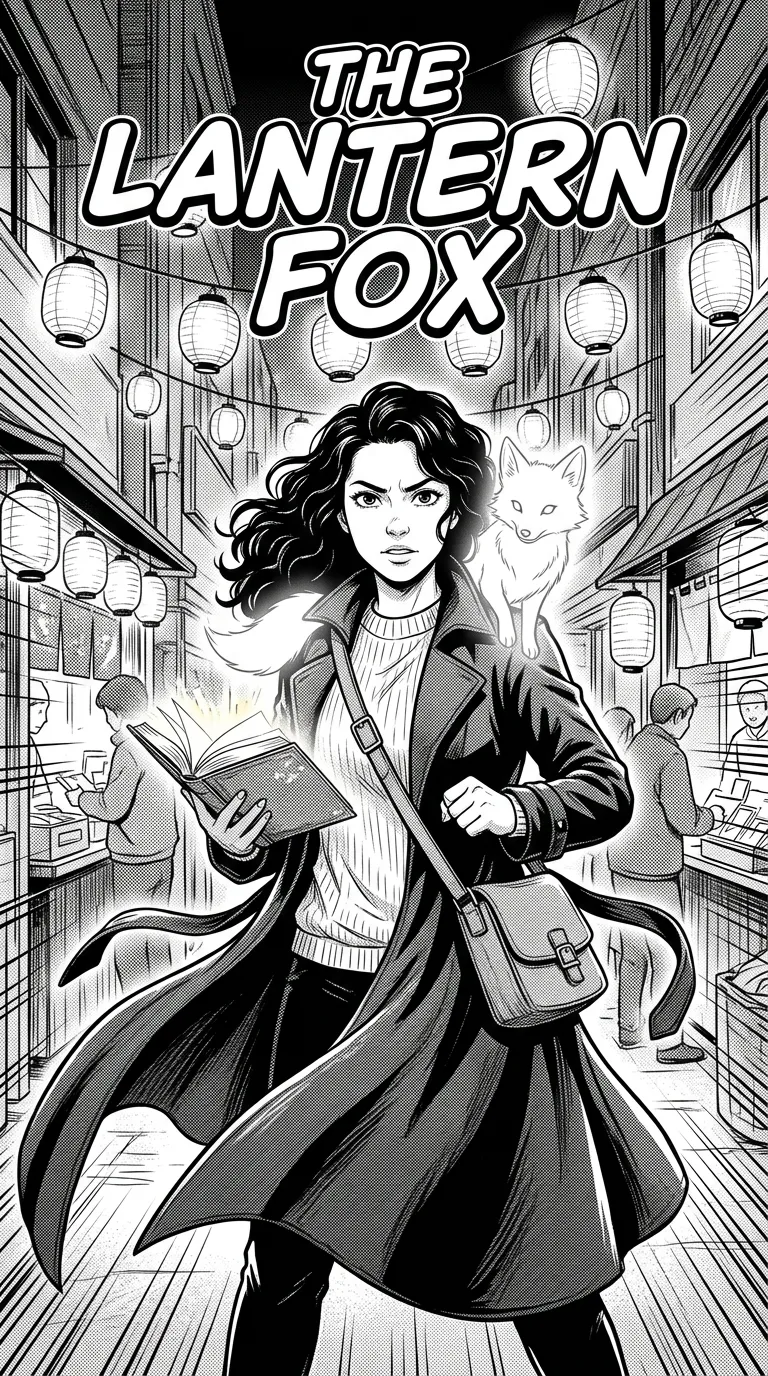
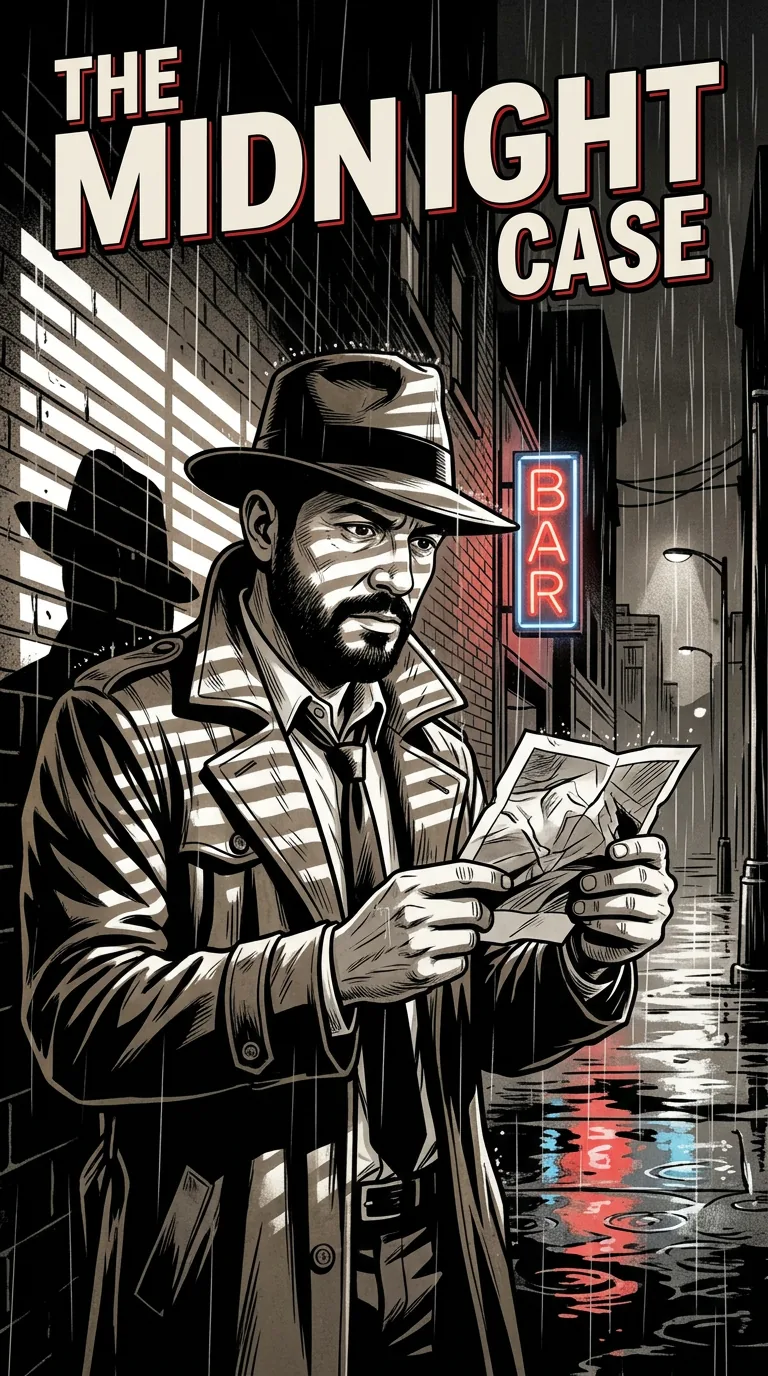
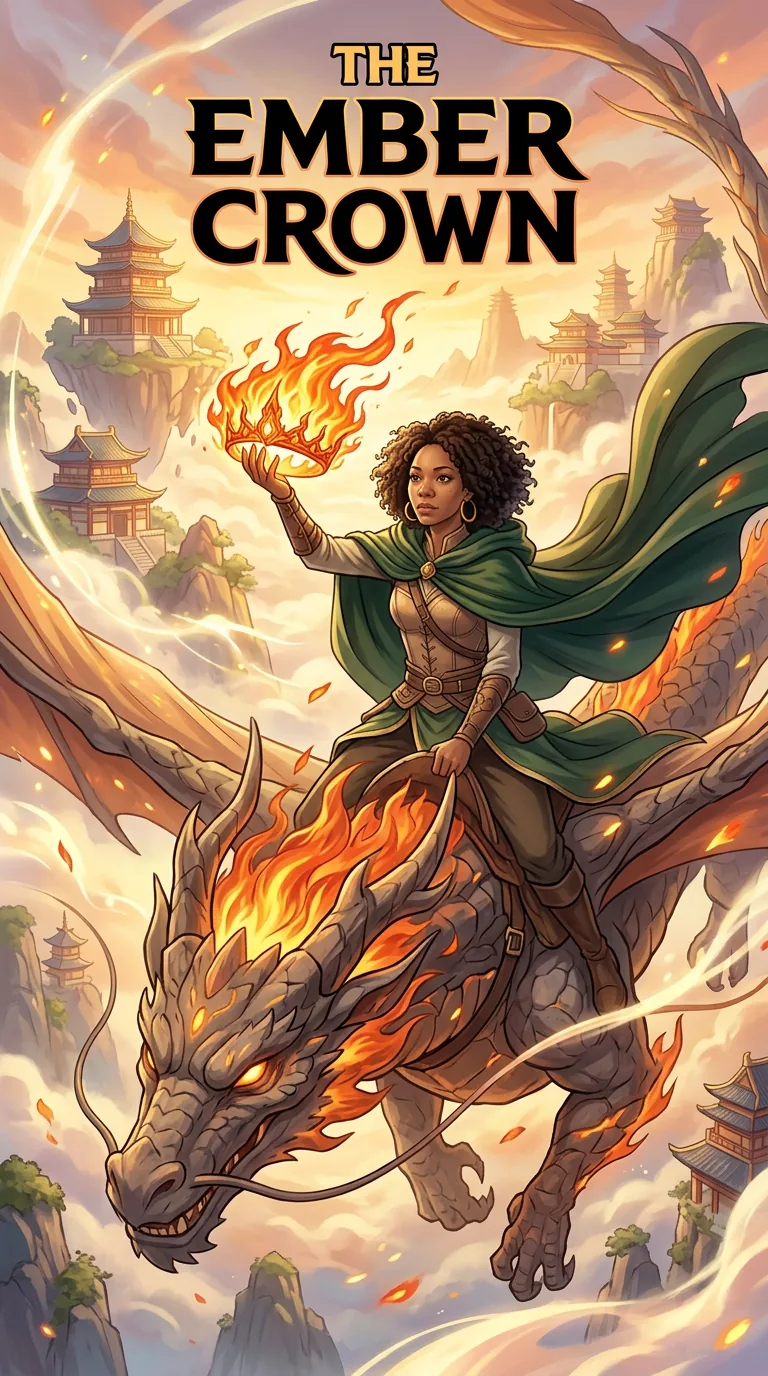
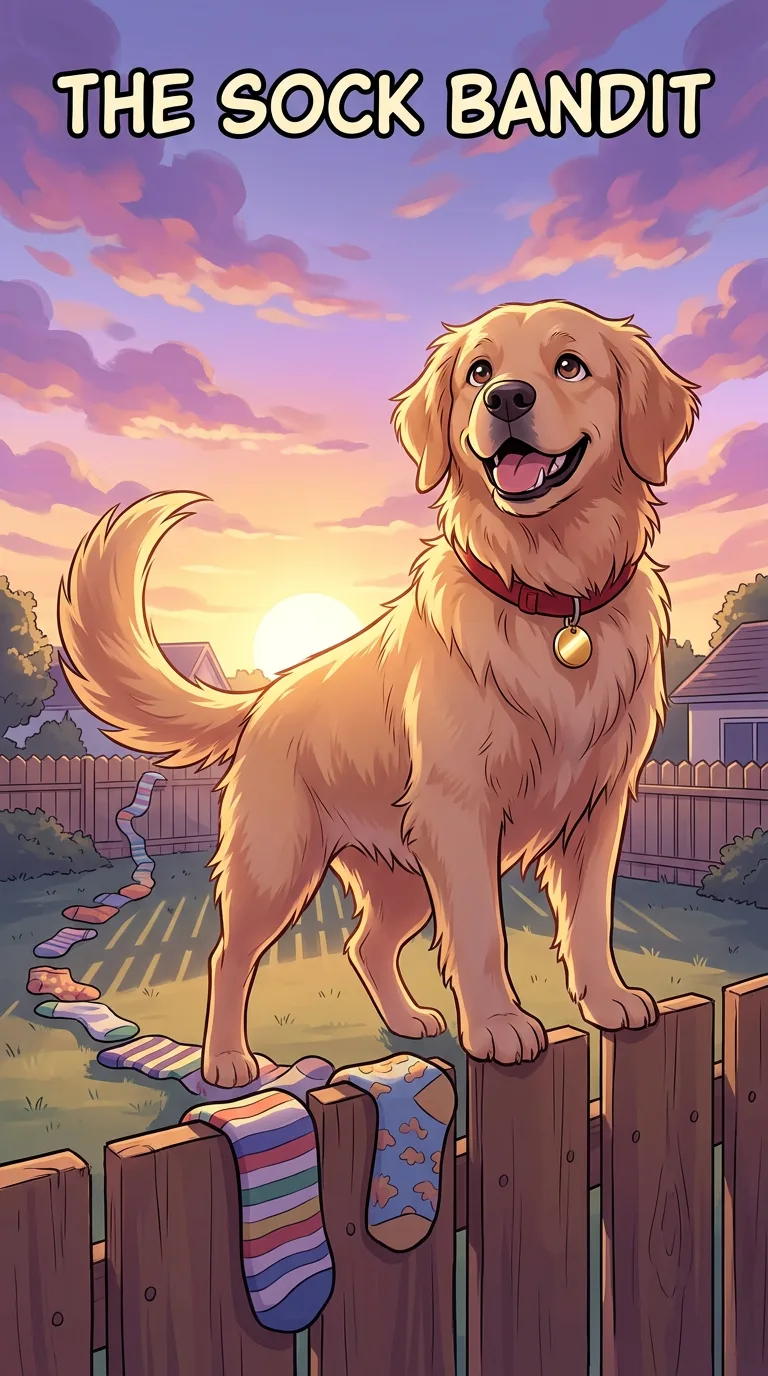
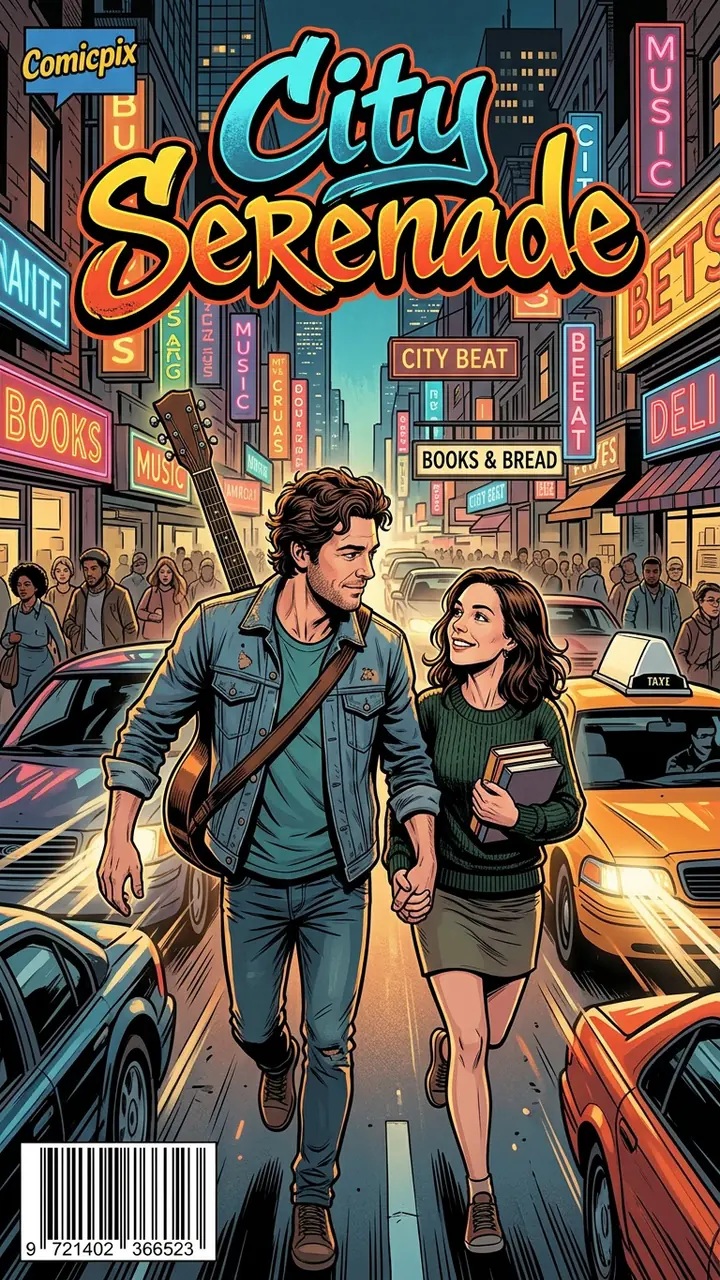
What a Comicpix comic looks like
Real Comicpix output in different styles: the cover and the first drawn pages of each comic.

What Comicpix costs
Your cover preview is free. Web plans, billed monthly in US dollars: Starter $6.99 (2,000 coins), Plus $19.99 (6,000 coins) and Pro $54.99 (20,000 coins). Cancel anytime online.
Questions about choosing an AI comic maker
Which AI comic generator is best?
It depends on what you want to end up with. For a comic you build and edit panel by panel, a studio such as LlamaGen or Anifusion fits better. For a finished comic starring a real person from one photo, a done-for-you maker such as Comicpix or ComicMe fits better. We don’t name a winner.
Is this comparison neutral?
No comparison written by one of the tools is fully neutral, which is why we say so up front: Comicpix makes this page. To keep it checkable, every fact about another tool links to that tool’s own page with the date we checked it, and the page lists where other tools are stronger.
Which AI comic maker has a free plan?
By their own pricing pages, LlamaGen, Anifusion and Yume Comic each have a free plan. Comicpix’s cover preview is free; the full comic needs a monthly plan, and you can cancel online.
Can I edit the panels and speech balloons?
In LlamaGen and Anifusion, yes: both describe panel, layout and dialogue editing. In Comicpix, no: you choose the style, the cast and the story, and the comic is drawn for you.
Which one turns a photo of me into a comic?
Comicpix and ComicMe both start from a photo of a real person and put that person in every page of a story. LlamaGen and Yume Comic also have photo-to-comic tools. On Comicpix a pet can be the hero too; see photo to comic.
Did Dashtoon shut down?
Dashtoon’s own Create page says that Dashtoon Studio, its comic creation tool, closed on 15 August 2026 and that creation continues on Frameo, its platform for AI video and short drama. The Dashtoon reading site and apps still list comics (checked 26 October 2026).
Can I print a Comicpix comic?
Comicpix is digital: you read the comic online or download a PDF. Nothing is printed or shipped by Comicpix.
See your own cover first
Add a photo, a name and a short story. The cover is drawn in about a minute, and the preview is free.
Create your comic