Updated · Comicpix (Meezyo LLC) · About
AI comic generator
An AI comic generator that writes the script and draws the pages
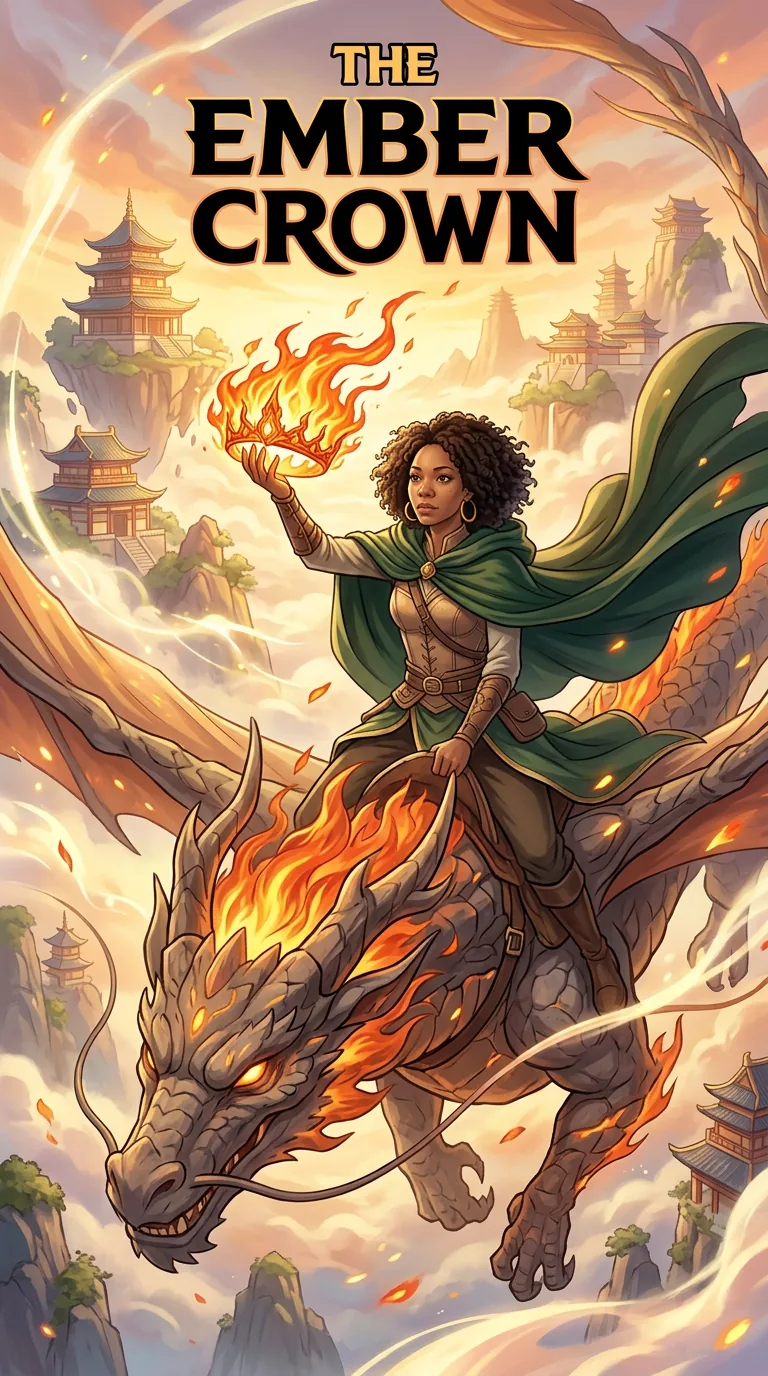
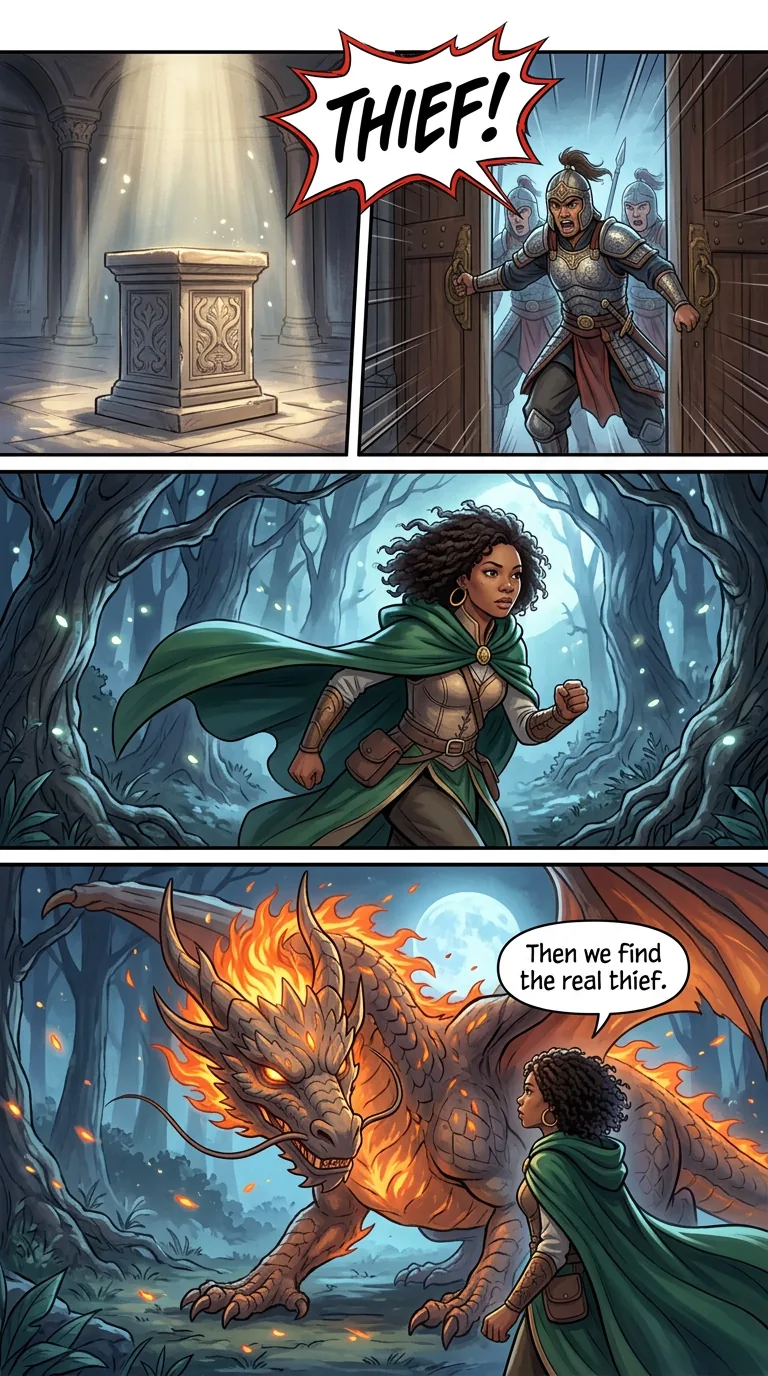
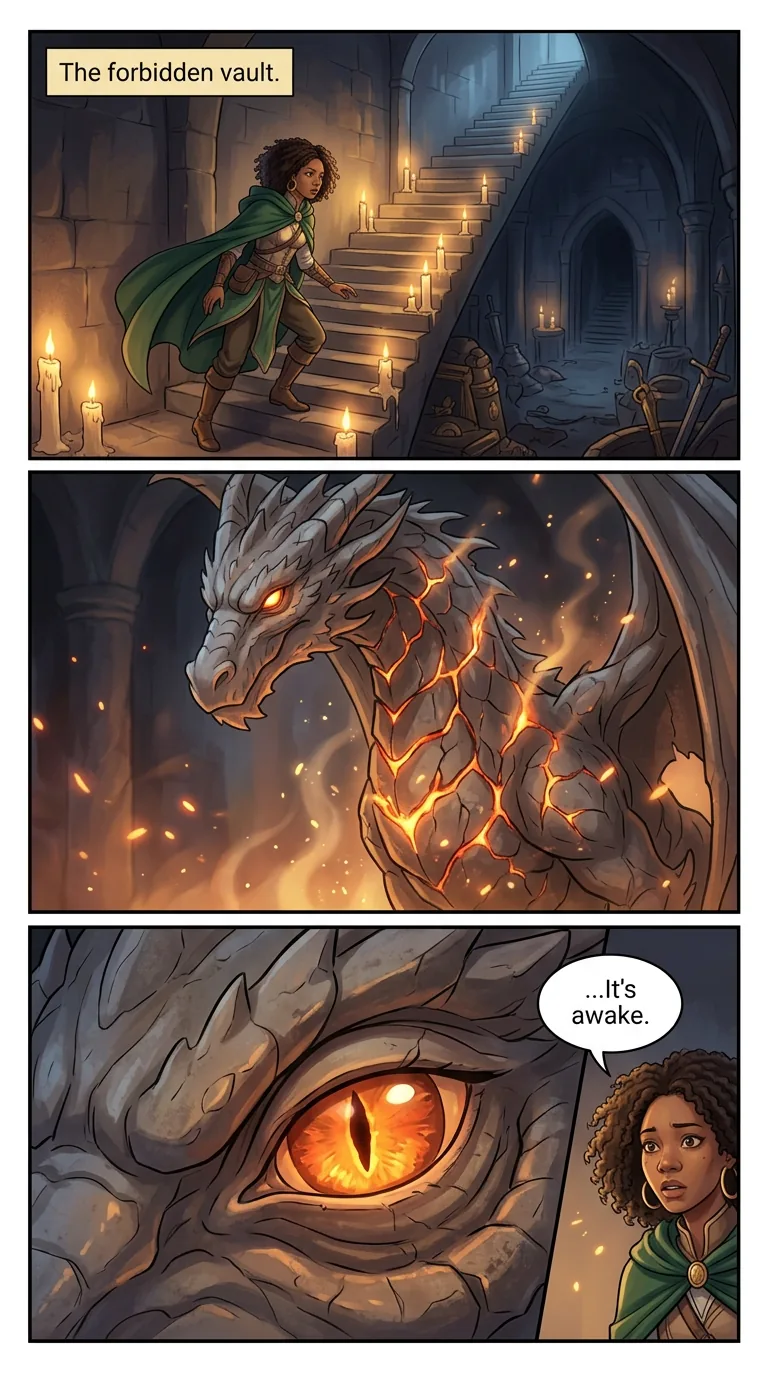
An AI comic generator turns a short text story into a finished comic: a script, a cover and pages of panels. Comicpix also puts you in it, drawing one photo as the hero in the same style on every page. The cover comes first, in about a minute.
Your cover preview is free
What does an AI comic generator do?
It takes words and gives back a comic. Some generators draw one panel per prompt and leave the layout, the lettering and the continuity to you. Others plan a whole story and draw it. Comicpix is the second kind: you give it a hero, a style and a few sentences, and it plans the pages, writes the captions and speech balloons, and draws the comic.
Three things set it apart. It is personalized: the hero is drawn from one photo of a person or a pet, or from a ready-made character. It is one story in one style: every page is drawn in the illustration style you chose, with the same main character from the cover to the last page. And the cover comes first: it is drawn in about a minute and the cover preview is free, so you judge the result before you pay.
If you came for the identity side, seeing yourself as a comic book character, the AI comic maker page covers it. This page is about the machinery: what happens between your sentences and the finished pages.
From a few sentences to finished pages
Write the story, or tap Inspire Me
Type a few sentences in the Story step: who the hero is, what goes wrong, how it ends. No dialogue and no panel plan. Inspire Me suggests an idea when you have none.
The story becomes a script
Your sentences are written into a comic script: a cover scene, then each page split into panels, each panel with a scene to draw, an optional caption and speech balloons.
Your hero is set before anything is drawn
The photo and name from the Cast step define the main character. A second character is optional, from another photo or a ready-made character.
The cover is drawn first
Your personalized cover takes about a minute, and the preview is free.
The pages follow, one by one
A monthly plan unlocks the comic. The pages are drawn one by one in your style, and you can read each one as it arrives, online or as a PDF.
What a script turns into: two pages of “The Ember Crown”
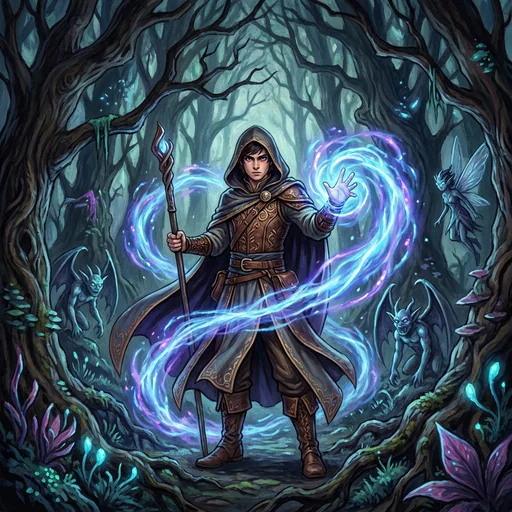
“The Ember Crown” is a fantasy comic with one hero, Imani, a reluctant apprentice who wakes the last dragon. Its third page shows how a script becomes panels. A wide panel: Imani and the dragon follow glowing footprints to the palace. A medium panel: the royal advisor holds the stolen crown of flames. A close-up: Imani draws her sword, with one speech balloon, “It ends here.”
The next page is one full-page panel, a splash, with a single caption: “The Ember Crown returns.” Wide shots, close-ups, a caption where the narrator speaks and a balloon where a character does: the generator makes those choices on every page, so you only write the story.
Across those pages Imani keeps the same face, the same green travelling cloak and the same gold hoop earrings. Keeping the hero recognizable from the cover to the last page is the hard part of generating a comic, which is why Comicpix sets the character before it draws anything.
Inspire Me: ideas when the page is blank
Most people get stuck on the story, not the photo. In the Story step, Inspire Me suggests a ready idea that you can keep, rewrite or swap for another. The ideas fit your cast: a pet hero gets pet adventures, two characters get stories for two.
A few from the fantasy story: a cursed sword chooses you, and it will not stop talking; a map that redraws itself every night leads to a city in the clouds; you must carry a phoenix egg across a frozen kingdom before it hatches. More plots, sorted by genre and with a picker of their own, are on the comic story ideas page.
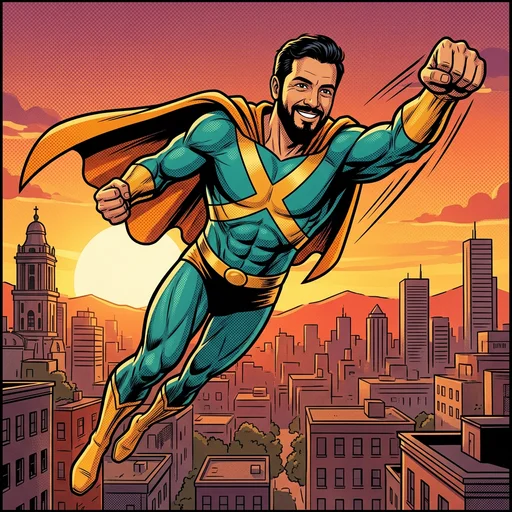
Want powers and a costume instead? The superhero style has its own page: turn yourself into a superhero.
Comics the generator drew
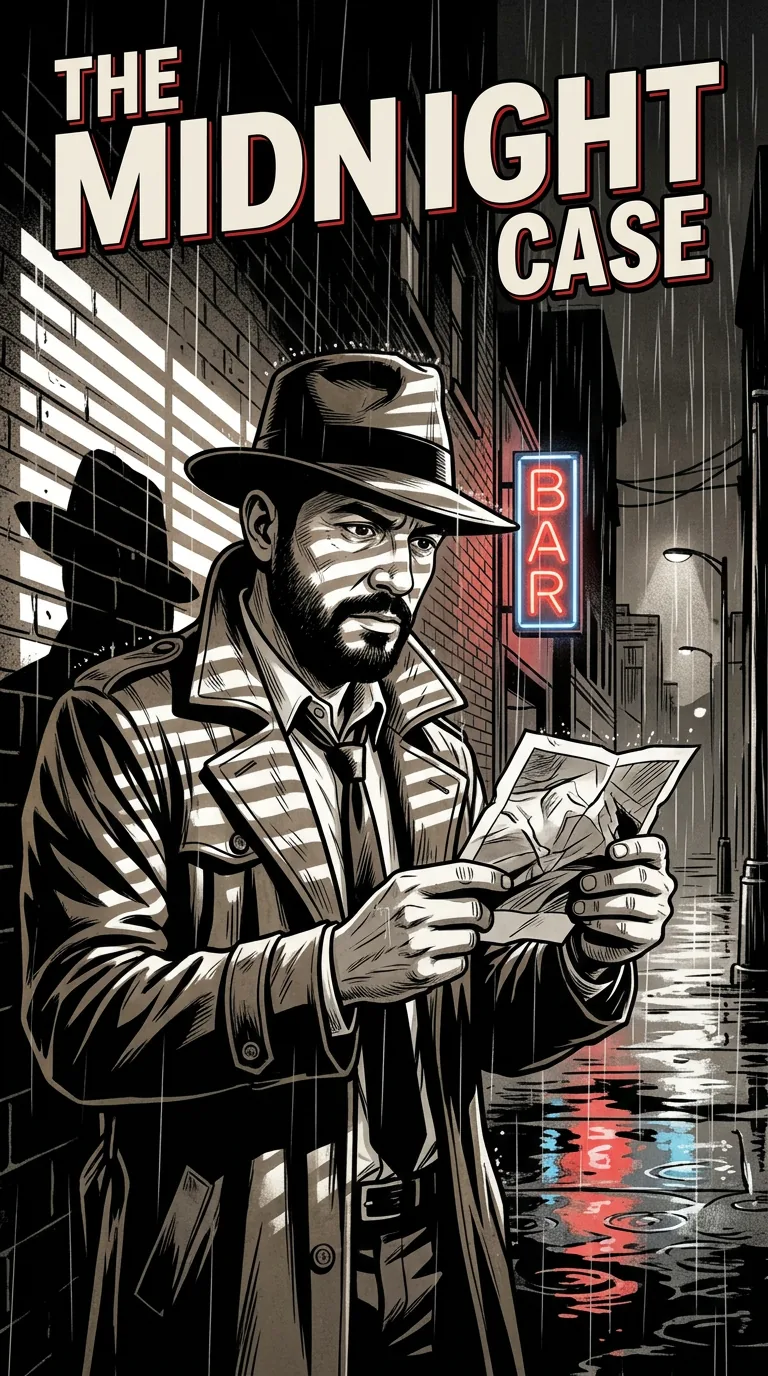
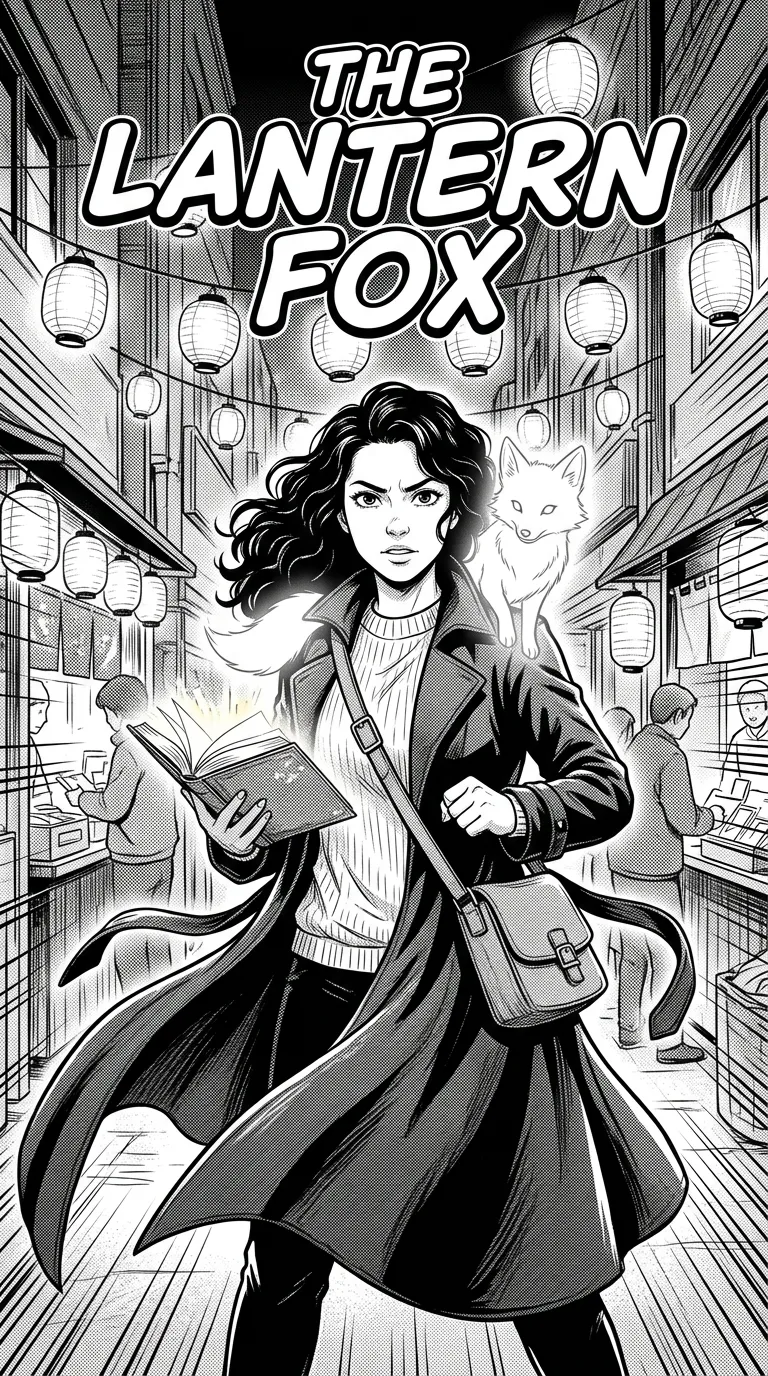
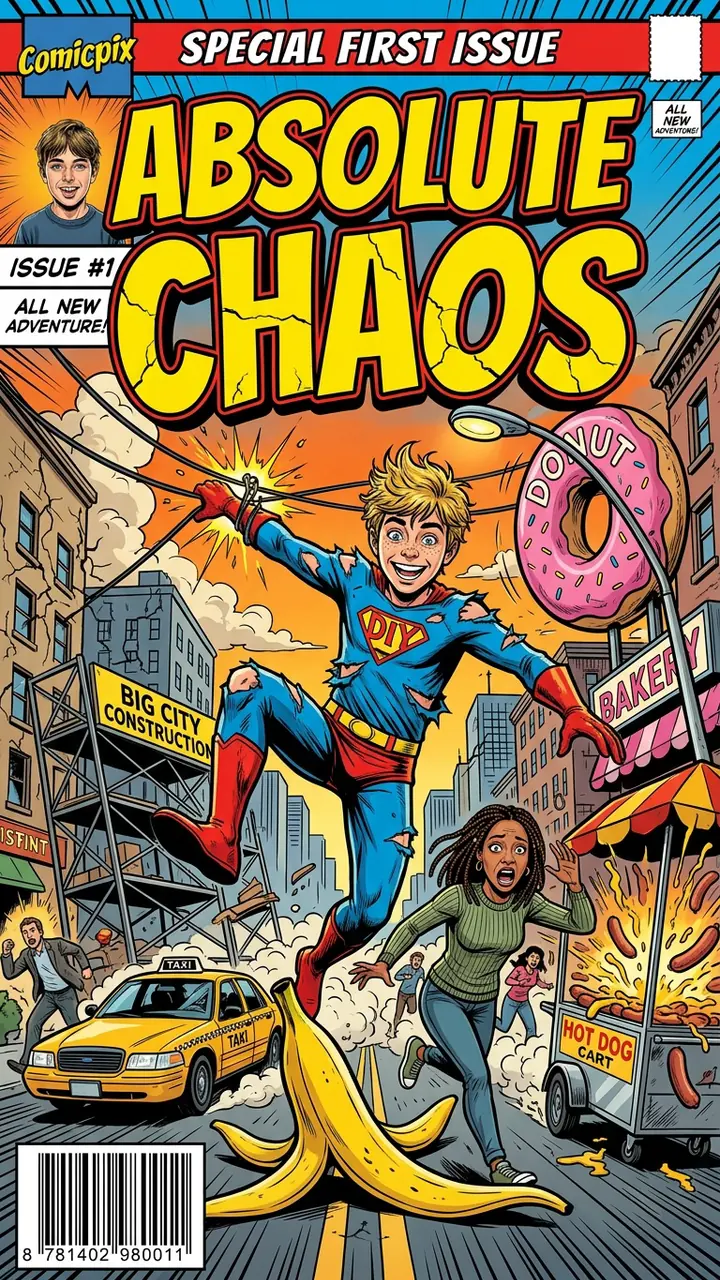
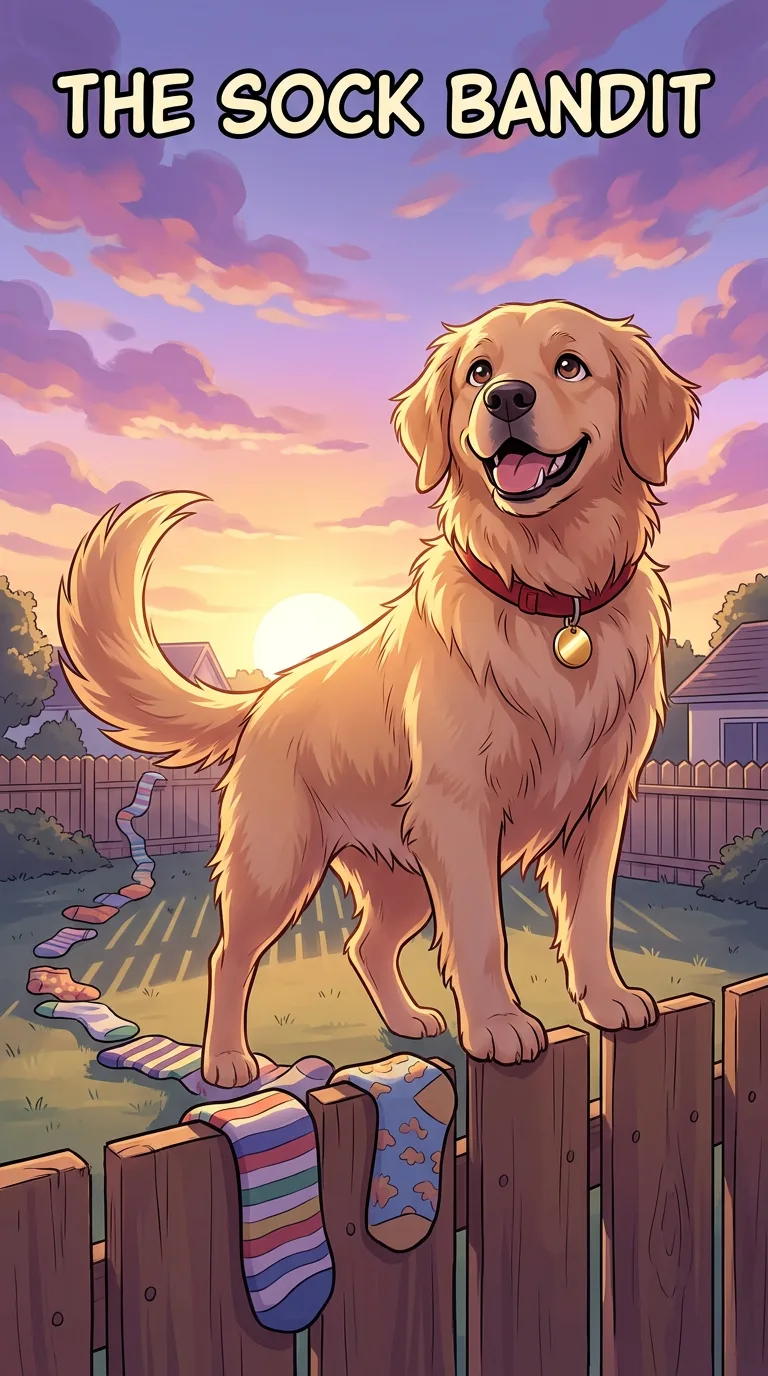
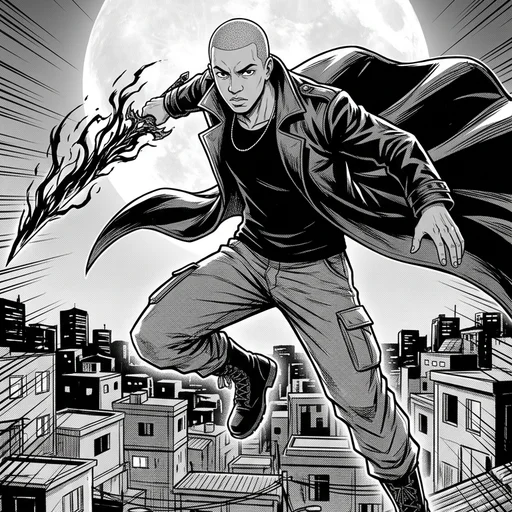
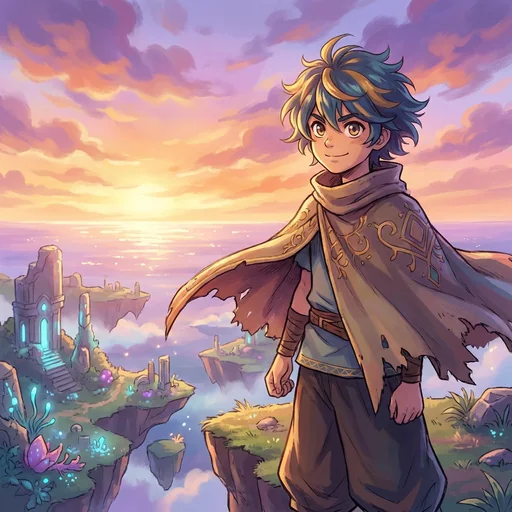
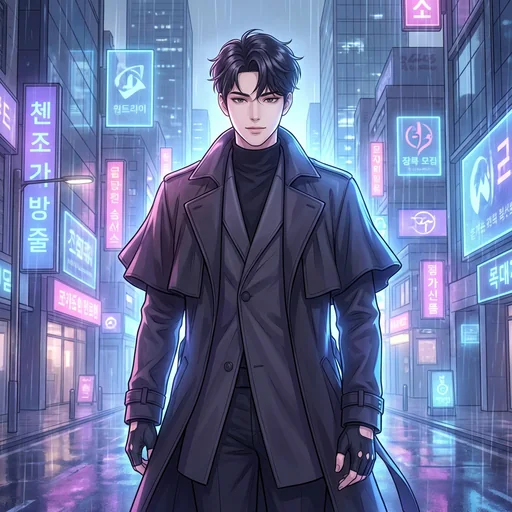
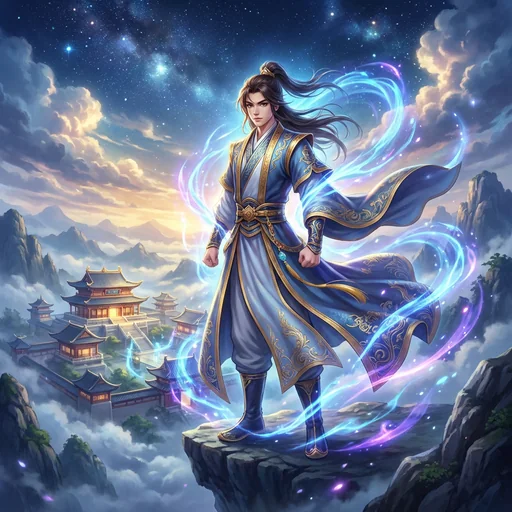
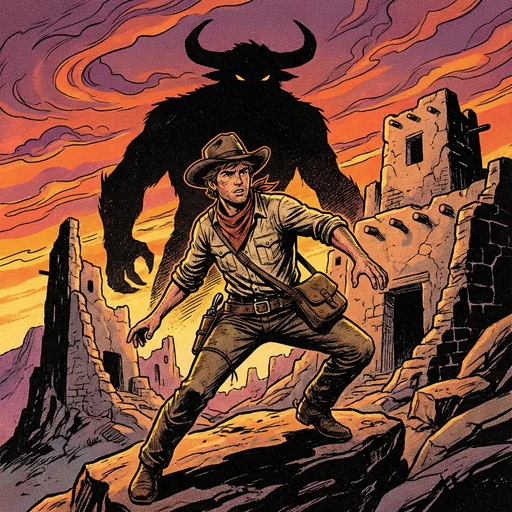
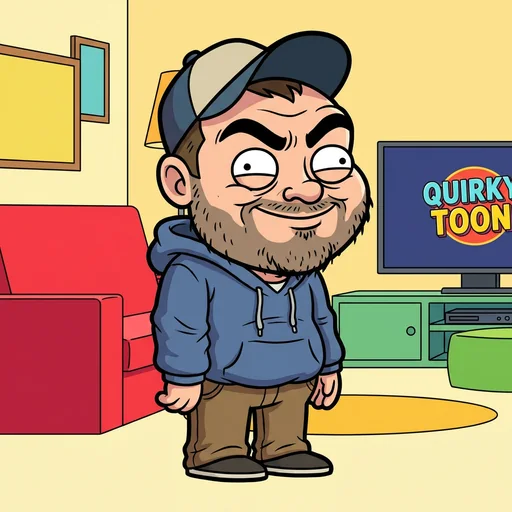
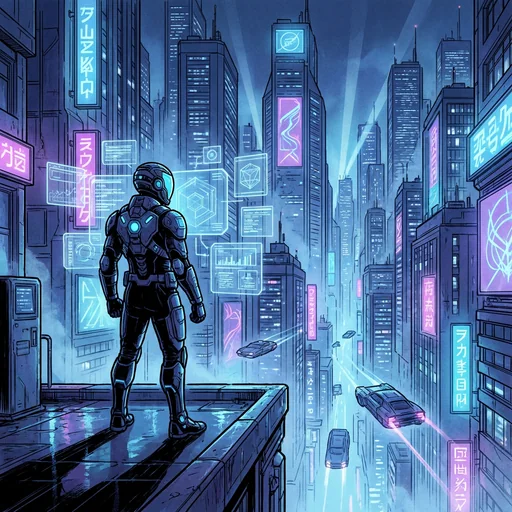
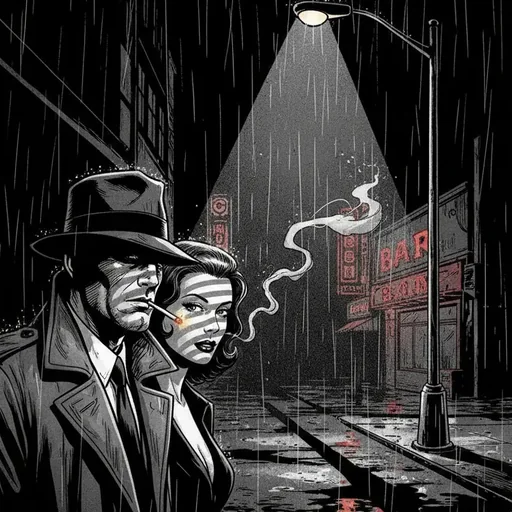
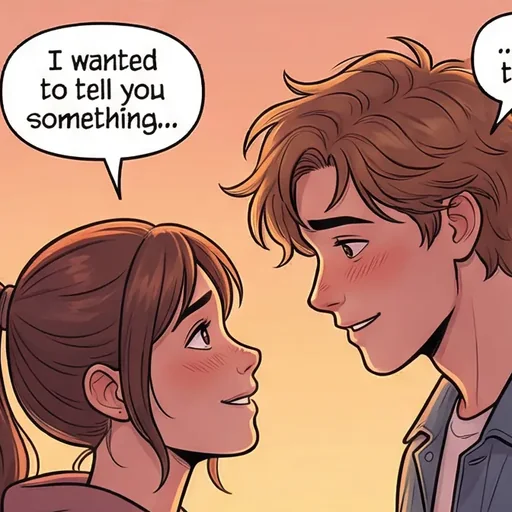
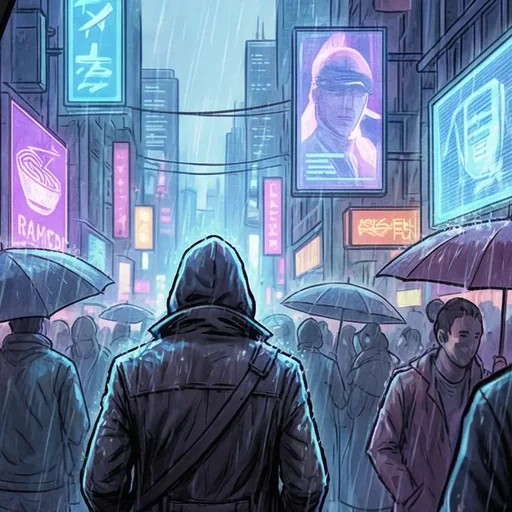
Real Comicpix output, each drawn in one style from its script: fantasy, noir, manhwa, manga, an action comedy and a pet caper.

What this generator doesn’t do
Comicpix generates whole comics, so a few jobs are out of scope. You can’t draw, move or resize panels yourself: the layout comes with the script. You can’t edit the speech balloons once the pages are drawn. It doesn’t make single portraits or stickers, and it draws pages rather than vertical-scroll strips.
If you want to arrange panels by hand, read the comic strip maker page first. If you are after the phone-scroll format, the AI webtoon generator page explains what Comicpix draws instead.
What it costs
Your cover preview is free. Web plans, billed monthly in US dollars: Starter $6.99 (2,000 coins), Plus $19.99 (6,000 coins) and Pro $54.99 (20,000 coins). Cancel anytime online.
Questions about the AI comic generator
What is an AI comic generator?
A tool that turns text into a comic. The Comicpix version writes a script from a few sentences, then draws a cover and pages with your hero, from one photo, in the illustration style you pick.
Do I have to write the dialogue or plan the panels?
No. You write a few sentences of story; the script, the panels, the captions and the speech balloons are written for you.
Will my character look the same on every page?
The hero is set from the photo and name you add before anything is drawn, and the whole comic uses one style, so the same character carries the story from the cover to the last page. Every style is an illustration, not a photo.
Can I generate a comic without a photo?
Yes. Pick a ready-made character instead; they are AI-generated sample people, not customers. A pet can be the hero too.
What if I have no story idea?
Tap Inspire Me in the Story step for a ready idea, or start from a ready story and make it yours. More ideas are on the comic story ideas page.
Is the AI comic generator free?
The cover preview is free; the full comic needs a monthly plan, and you can cancel online. Plans start at $6.99 a month. What you get without paying is on the free comic maker page.
Can I edit the comic after it is drawn?
Not panel by panel: there is no panel or balloon editor. Choose the story and the style before you unlock; the cover preview shows you the look first.