Updated · Comicpix (Meezyo LLC) · About
Guide · 4 ways
How to make a comic book of yourself
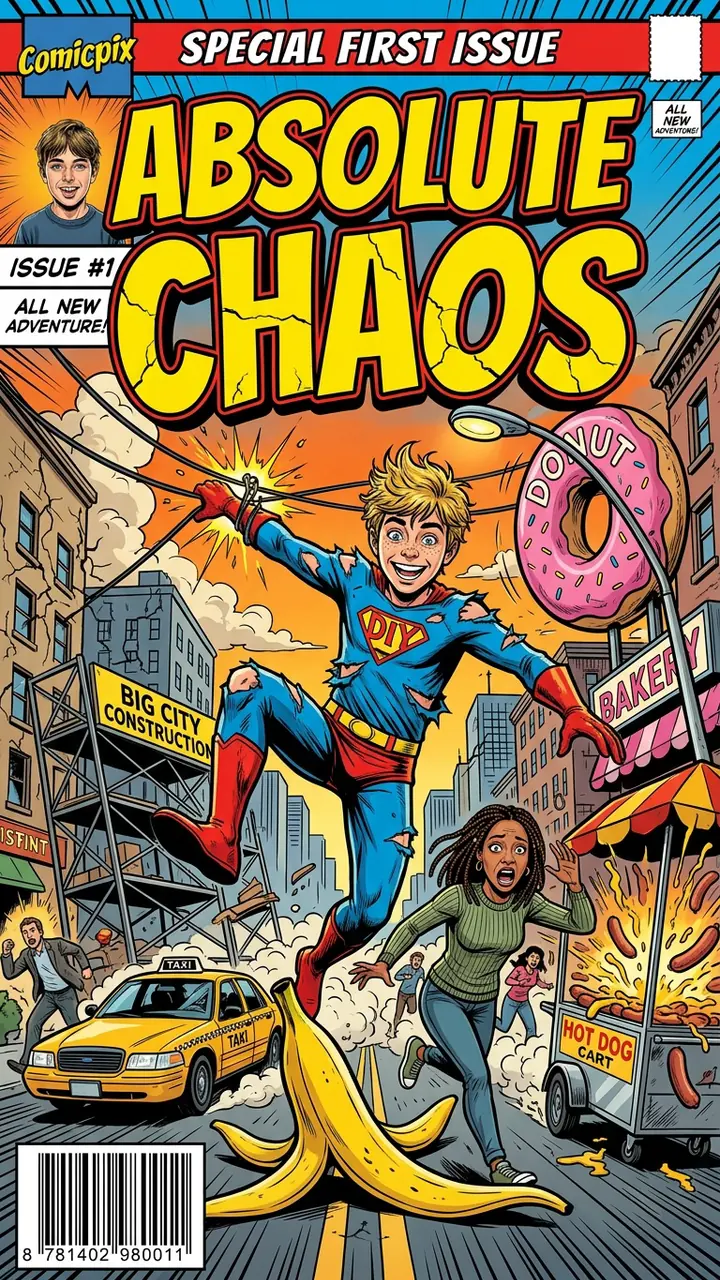
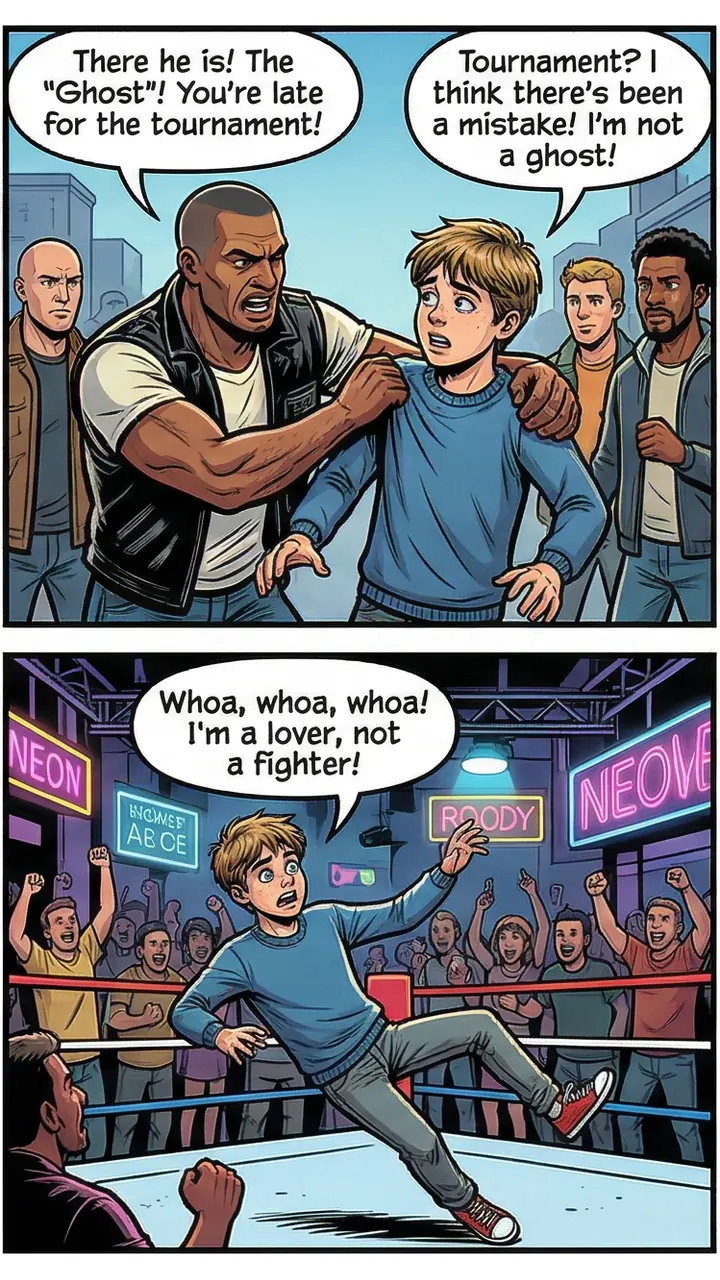
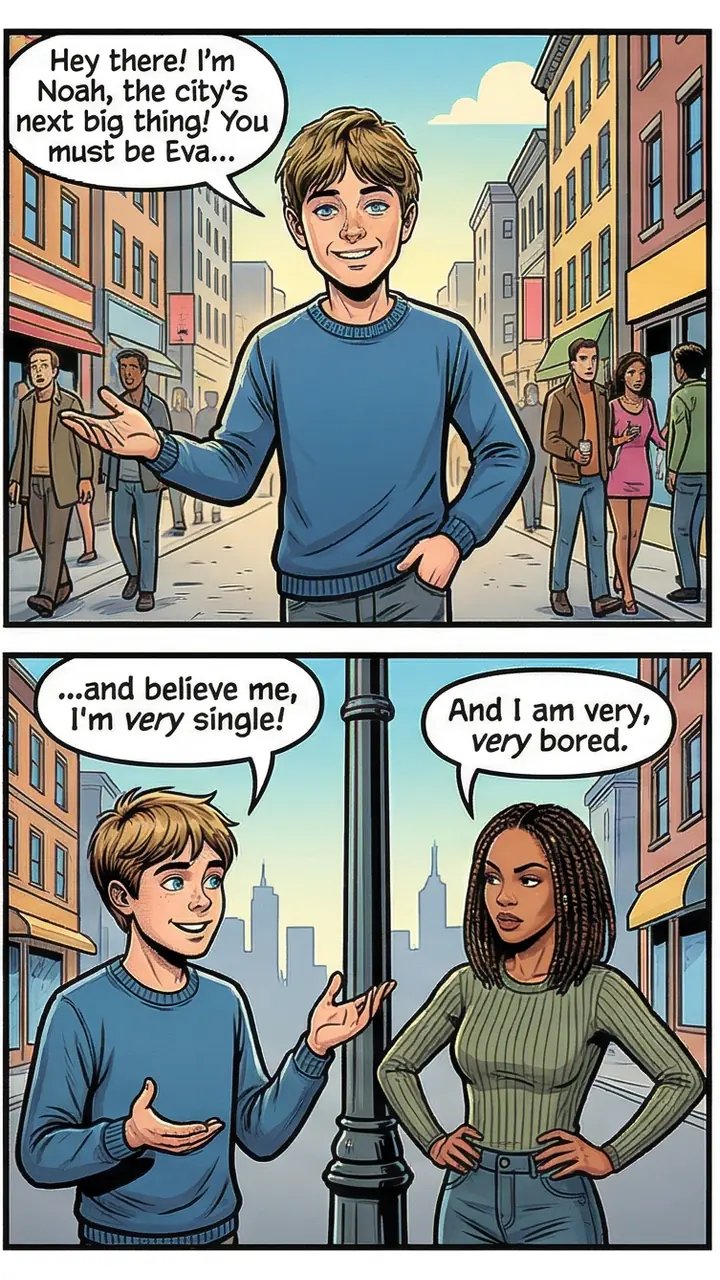
You can draw it, build it from a template, pay an artist or have AI draw it from your photo. Here is what each way asks of you and what you end up with, so you can pick one.
Your cover preview is free
How do you make a comic book of yourself?
Comicpix makes this guide and one of the four options. There are four ways to make a comic book of yourself: draw it yourself, build it from a comic template in a design tool such as Canva, commission an artist, or use an AI comic maker such as Comicpix or Picsart’s ComicMe. They differ in who does the drawing, how much of your time it takes, and whether you end up with a hand-made piece, a design file or a digital comic.
Drawing it yourself and using a template keep every panel in your hands, and the time is yours to spend. An artist draws it for you on terms you agree with them. With Comicpix you add a photo of yourself and a short story, and the comic is drawn for you; the cover comes first, in about a minute, and the preview is free.
None of the four is the right answer for everyone, so each section below ends with “Fits best when”. If you only want the photo-to-comic steps, the photo to comic page has them in full, with photo tips.
Way 1: draw it yourself
You write a short script, sketch a panel layout, and draw yourself as the main character, page after page. Paper and pens or a drawing app are enough to start; the hard part is drawing your own face so it stays recognizable from one panel to the next, and lettering the dialogue so it fits the balloons. The time it takes is the time your script, layout and drawing take: nothing is done for you.
Fits best when: you like to draw, you want every line to be yours, and the making is part of the gift or the fun.
Way 2: build it from a Canva comic template
Canva’s comic strip maker gives you templates with panel grids; you place images in the panels, add speech bubbles from its elements library, then download or share the design. Canva’s template gallery describes them as free printable comic strip templates you can customize. A template gives you the layout; the drawings, photos and dialogue that fill it are yours to add. Canva’s comic strip page also points to its own photo-to-cartoon tool, which turns an uploaded photo into a cartoon-style image you can open in the Canva editor.
Fits best when: you have your own drawings or photos, you want a clean layout without drawing panels by hand, and a strip or a few pages is the size you need.
Way 3: commission an artist
A human artist draws you from your photos and your brief. Price, page count, format and the timeline are set by each artist and agreed per order, so ask for them before you pay, along with how many sketch or revision rounds are included.
Fits best when: you want one hand-made piece and are happy to brief an artist and wait for their schedule. If you’d rather have a printed hardcover than a file, the personalized comic book page compares a printed personalized book, a commission and a digital comic, with the seller’s own prices.
Way 4: make it with AI in Comicpix
Comicpix is an AI comic maker: you don’t draw, you choose. Pick a style, add a photo and a name, choose a story, and Comicpix draws your cover in about a minute. The cover preview is free; the full comic needs a monthly plan, and you can cancel online.
You steer the comic with the style and the story rather than with a pencil: one illustration style for the whole comic, and a ready-made story or a few sentences of your own. On the web, the cover is drawn first, then the pages are drawn one by one after you unlock it, to read online or download as a PDF. It is a drawn version of you, not a copy of your photo, and it is digital: nothing is printed or shipped. Comicpix isn’t the only AI comic maker: Picsart’s ComicMe, for example, builds a comic from your photo with a genre, an art style and a tone you choose.
Fits best when: you want to see yourself drawn before you decide, you’d rather not draw, and a digital comic to read online or send as a PDF is what you’re after. The step-by-step version, with tips on which photo draws best, is on the photo to comic page.
Making a comic book of yourself in Comicpix
Choose the look
The style you pick here draws the whole comic, cover to last page: manga, manhwa, noir and more.
Put yourself in it
Upload a photo of yourself and type the name your character goes by. A ready-made character can stand in if you’d rather not use a photo.
Give it a plot
Take one of the ready-made stories or describe your own in a few sentences: a job you love, a trip, a running joke.
Look at your cover
Comicpix draws the cover first, in about a minute. The preview is free, so you see yourself drawn before you decide anything.
Unlock the rest
On the web, a monthly plan unlocks every page. They arrive one by one, and the finished comic stays in your library to read online or download as a PDF.
Real comics drawn with Comicpix
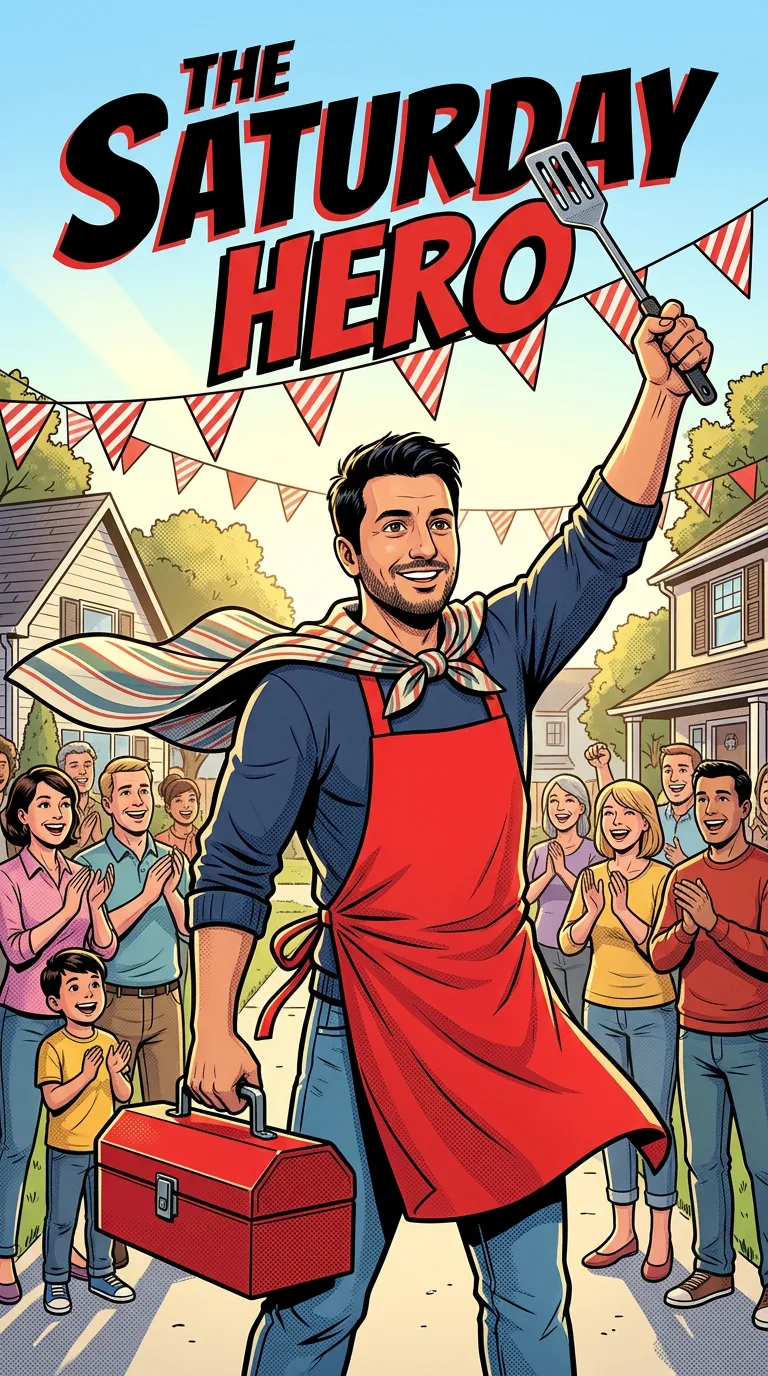
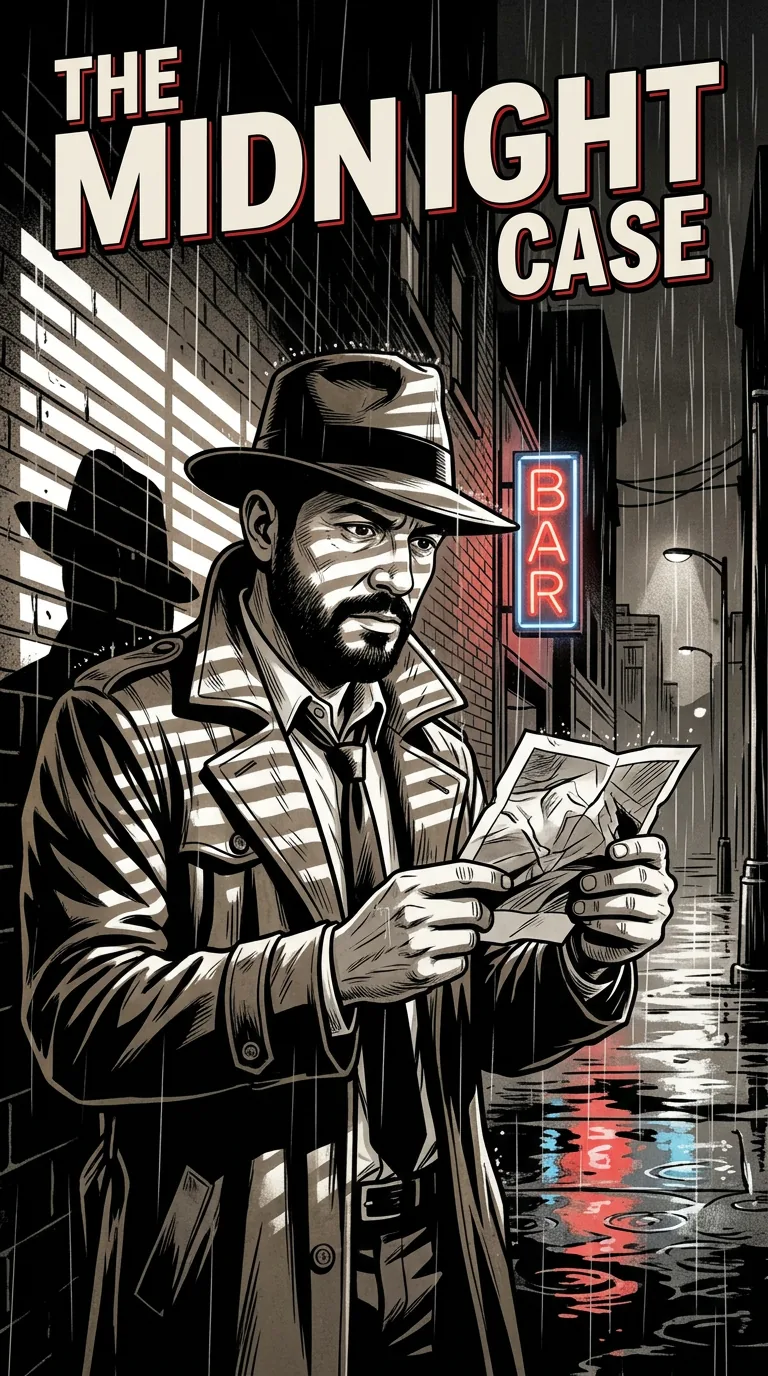
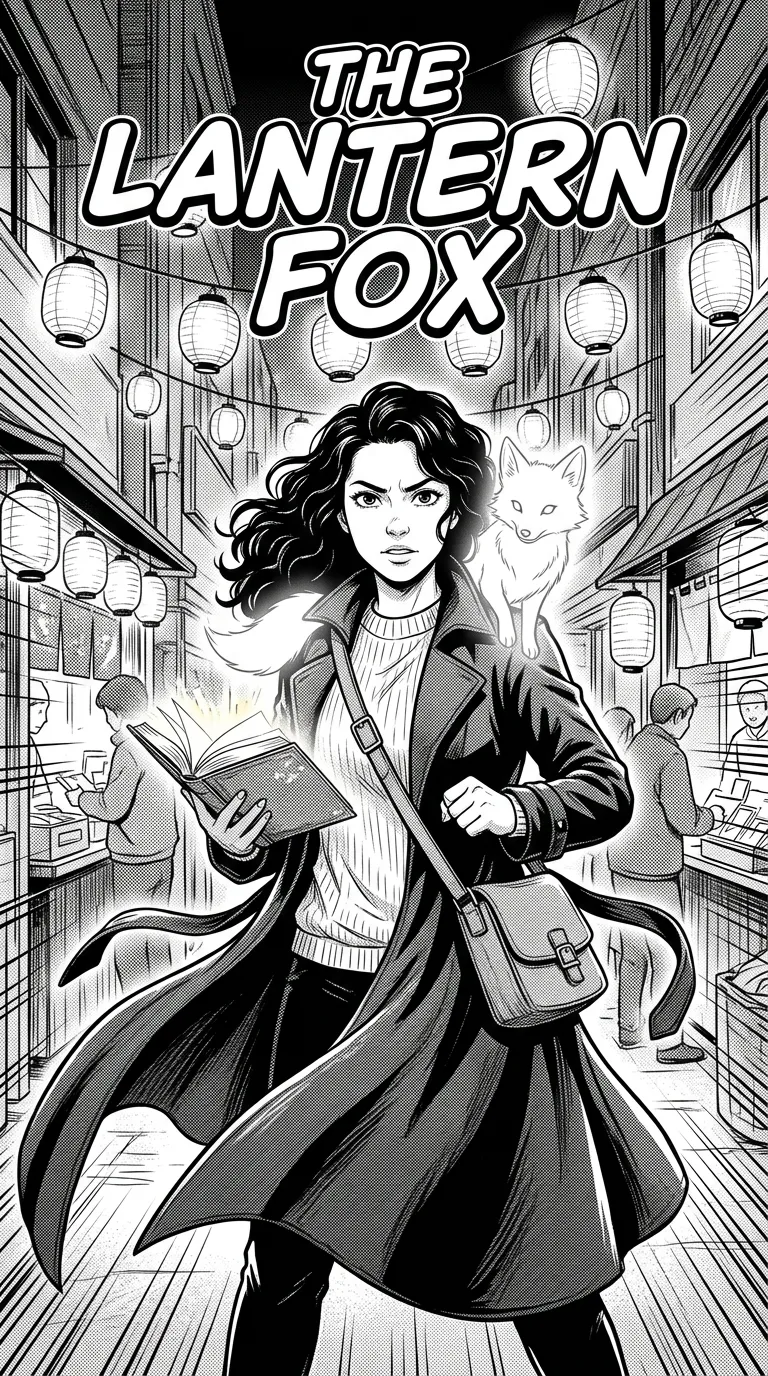
Four real Comicpix comics with a single lead, in the comic, noir and manga styles. On the web, yours starts from your photo.
Four ways side by side
Four ways to make a comic book of yourself, compared on what you do, what you get and when each fits. Comicpix makes the AI option; the other columns are the honest case for them.
| Draw it yourself | Comic template in Canva | Commission an artist | AI in Comicpix | |
|---|---|---|---|---|
| What you do | Write, lay out, draw and letter every page | Pick a template, fill the panels with your images, add speech bubbles | Send photos and a brief, then review the artist’s drafts | Pick a style, add a photo and a name, choose or write a story |
| Who draws | You | You, the images you bring, or Canva’s photo-to-cartoon tool | A human artist | AI illustration in the style you choose |
| What you get | Whatever you draw: a strip, a zine, a book | A design you download or share | What you agree on with the artist | On the web, a whole comic to read online or download as a PDF |
| Drawing skill needed | Yes | Not for the layout; the art inside the panels is yours to supply | No | No |
| Cost | Your materials and time | Canva lists free comic strip templates | Set by each artist | Cover preview free; monthly plans from $6.99 (USD), cancel online |
| First result | When you finish drawing | When you finish filling the template | On the artist’s schedule | Your cover, in about a minute |
| Fits best when | Making it is part of the point | You have the images and want a clean layout | You want one hand-made piece | You want to see yourself drawn first and don’t want to draw |
A comic book of your boyfriend or girlfriend
Every one of the four ways works for a partner as well as for yourself; only the photo and the story change. With Comicpix, a comic can star two characters: your hero and an optional second character, each from one photo of a person or pet, or a ready-made character. So it can be about them alone, or about the two of you.
For him alone, the personalized comic book for boyfriend page shows “The Saturday Hero” next to the sample photo it was drawn from: the block party starts at noon, the grill is dead and the wind has plans of its own. For her, for him, or for the two of you together, the personalized comic book for couples page covers how-we-met and anniversary stories.
What Comicpix costs
Your cover preview is free. Web plans, billed monthly in US dollars: Starter $6.99 (2,000 coins), Plus $19.99 (6,000 coins) and Pro $54.99 (20,000 coins). Cancel anytime online.
Your photos stay private
Only for your comic
Your photo is private and only used to draw your comic.
Deleted automatically
Original photos are deleted after 7 days if you don’t unlock the comic, or 30 days if you do.
Adults create
Accounts are for adults (18+). Add a child’s photo only if you are their parent or guardian, or have their permission.
Always an illustration
Every style is drawn art. Comicpix doesn’t make photorealistic images.
Every provider involved is listed in the Privacy Policy.
Questions about making a comic book of yourself
Do I need to be able to draw?
Only if you draw it yourself. A template still needs art in its panels, from you or from images you bring; an artist or Comicpix does the drawing for you. In Comicpix you pick a style and a story, and the cover is drawn from your photo.
Can I make a comic book of myself for free?
Drawing it yourself costs only your materials and time, and Canva lists free comic strip templates. With Comicpix, the cover preview is free; the full comic needs a monthly plan, and you can cancel online.
How long does it take?
It depends on the way: drawing and filling a template take as long as your own work does, and an artist works to their schedule. In Comicpix your cover takes about a minute; after you unlock, the pages are drawn one by one and you can read each as it arrives.
Can I make a comic book of myself on Canva?
Yes, as a layout: Canva’s comic strip templates give you panel grids and speech bubbles to fill. Canva’s own comic strip page says you can upload your own sketches or images and place them in the grid, and it points to its photo-to-cartoon tool for turning a photo into a cartoon-style image.
Can I print it?
A Comicpix comic is digital: you read it online or download the PDF, and Comicpix doesn’t print or ship books. A drawing or a template design is yours to print however you like, and an artist may offer prints; for a printed hardcover, the personalized comic book page compares a printed option.
Will people know it’s me?
In Comicpix, every style is an illustration, so you get a drawn version of yourself, not a copy of your photo. Because the cover preview is free, you can judge the likeness on your own cover before you pay.
Make your comic book
Pick a style, add your photo and a short story, and see your cover first.
Create your comic