Updated · Comicpix (Meezyo LLC) · About
Not a filter. A 12-page comic.
Photo to comic: turn your photo into a 12-page comic book
Comicpix draws a 12-page comic with you as the main character from a photo, a name and a short story, in one of 12 illustration styles. The cover comes first, free, in about a minute; a monthly plan unlocks the pages.
Your cover preview is free
How do you turn a photo into a comic?
Add a photo and a name, pick a style and a story, and Comicpix draws your cover in about a minute. The cover preview is free; the full 12-page comic needs a monthly plan, and you can cancel online. What you get is a 12-page comic with you as the main character, drawn in one of 12 illustration styles, not a single picture with a comic filter.
A comic filter redraws one picture. Comicpix draws a story around you instead: a cover and 12 pages in the style you chose, to read online or download as a PDF.
Comicpix is an AI comic maker for the web and the iPhone and Android apps, and a comic also works as a gift: a personalized comic book with a partner or a friend as the main character.
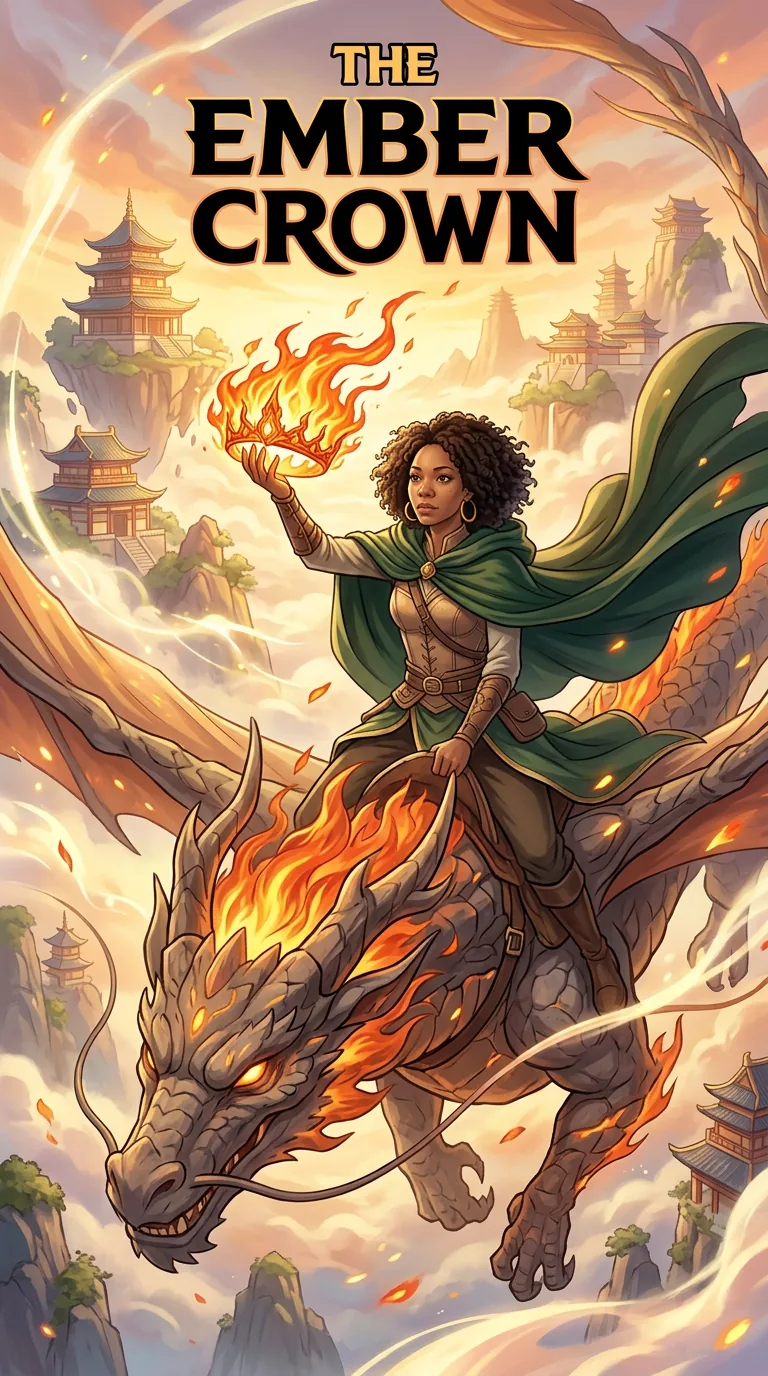
From a photo to the cover: The Ember Crown
A sample character’s photo next to the cover Comicpix drew from it in the manhua style. The sample character is made up, not a customer; your cover is drawn from your own photo the same way.
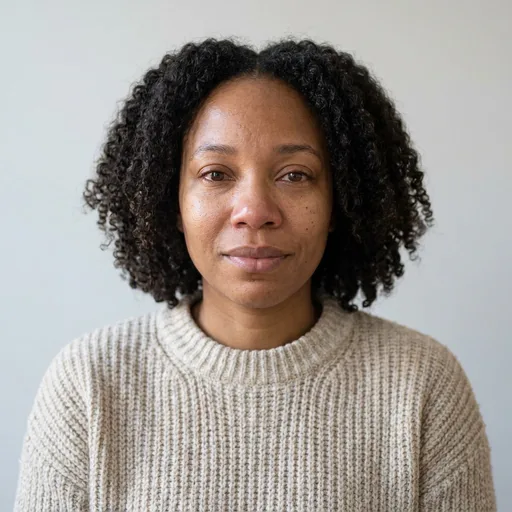
These are our ready-made characters — AI-generated people, not customers. Your comic is drawn from your own photo.
How to turn a photo into a comic on Comicpix
Pick a style
Choose one of 12 styles; the whole comic is drawn in it. Every style is an illustration, not a photo effect.
Add your photo and a name
Upload a clear photo of yourself, or pick a ready-made character, and name your hero. The photo tips below show what draws best.
Pick or write the story
Start from a ready-made story or write your own in a few sentences. The story decides what happens on the 12 pages.
See your cover
Comicpix draws your personalized cover first. It is free and takes about a minute.
Unlock the 12 pages
A monthly plan unlocks the comic. The pages are drawn one by one and you can read each page as it arrives, online or as a PDF.
Your photo: privacy and what draws best
Only for your comic
Your photo is private and only used to draw your comic.
Deleted automatically
Original photos are deleted after 7 days if you don’t unlock the comic, or 30 days if you do.
Adults create
Accounts are for adults (18+). Add a child’s photo only if you are their parent or guardian, or have their permission.
Always an illustration
Every style is drawn art. Comicpix doesn’t make photorealistic images.
Photos that draw best
- Face the camera, head and shoulders in view
- Good, even light — no strong shadows
- One person or pet in the photo
- No sunglasses, masks or filters
Every provider involved is listed in the Privacy Policy.
A comic filter or a 12-page comic?
A photo-to-comic filter redraws one picture; Comicpix draws a 12-page story with you as the main character. The table shows the difference row by row.
| What you compare | Single-image comic filter | Comicpix |
|---|---|---|
| What you get | One picture of your photo redrawn in a comic look | A cover and 12 pages drawn from your photo, a name and a short story |
| Story | None: one image, no plot or dialogue | A ready-made story, or your own in a few sentences |
| Styles | Depends on the tool | 12 illustration styles; one style for the whole comic |
| Who’s in it | Whoever is in the photo | You as the main character, or a ready-made character |
| Time | Depends on the tool | The cover takes about a minute; the pages are drawn after you unlock |
| Price | Depends on the tool | Cover preview free; monthly plans from $6.99 (USD), cancel online |
| What you keep | One image file | Read online and download a PDF |
| Looks like a photo? | Depends on the tool | No. Every style is drawn art |
Absolute Chaos: cover and pages, side by side
From our app’s story catalog — your comic starts from your photo. Drawn in the comic style; the strip shows the cover and four of its pages.
Comic · starring Noah & Eva · See the whole example
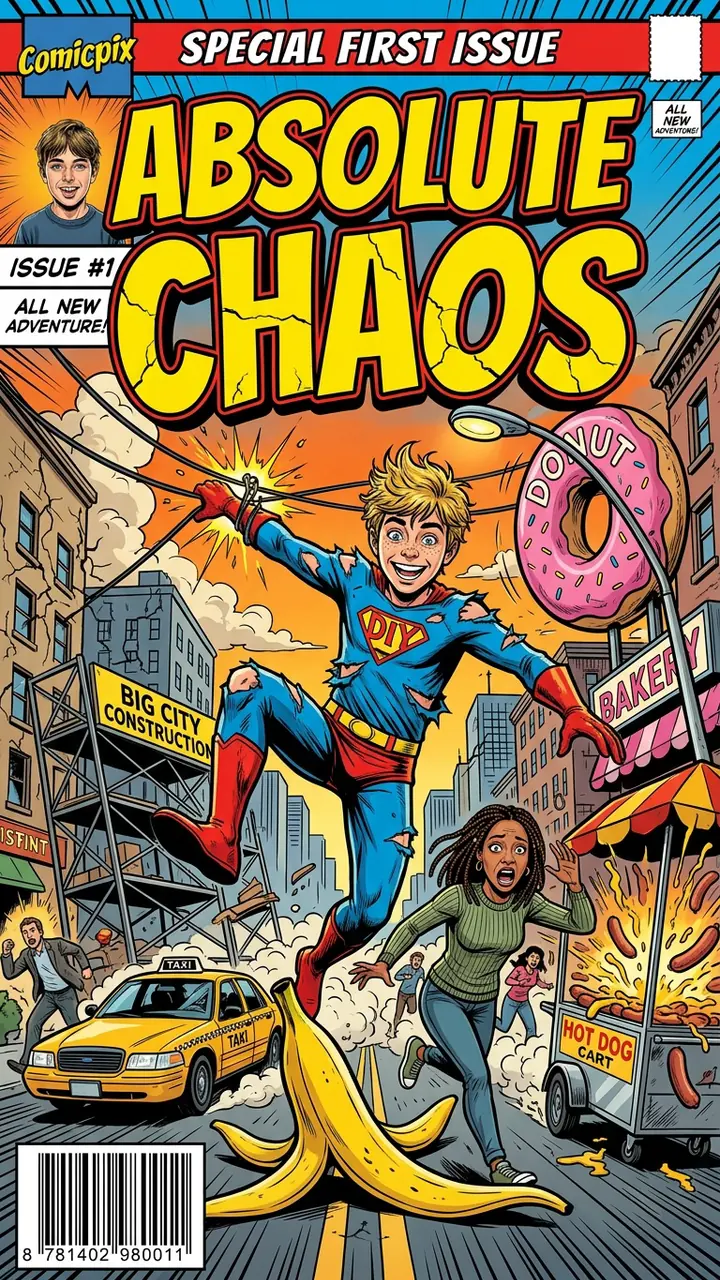
Cover 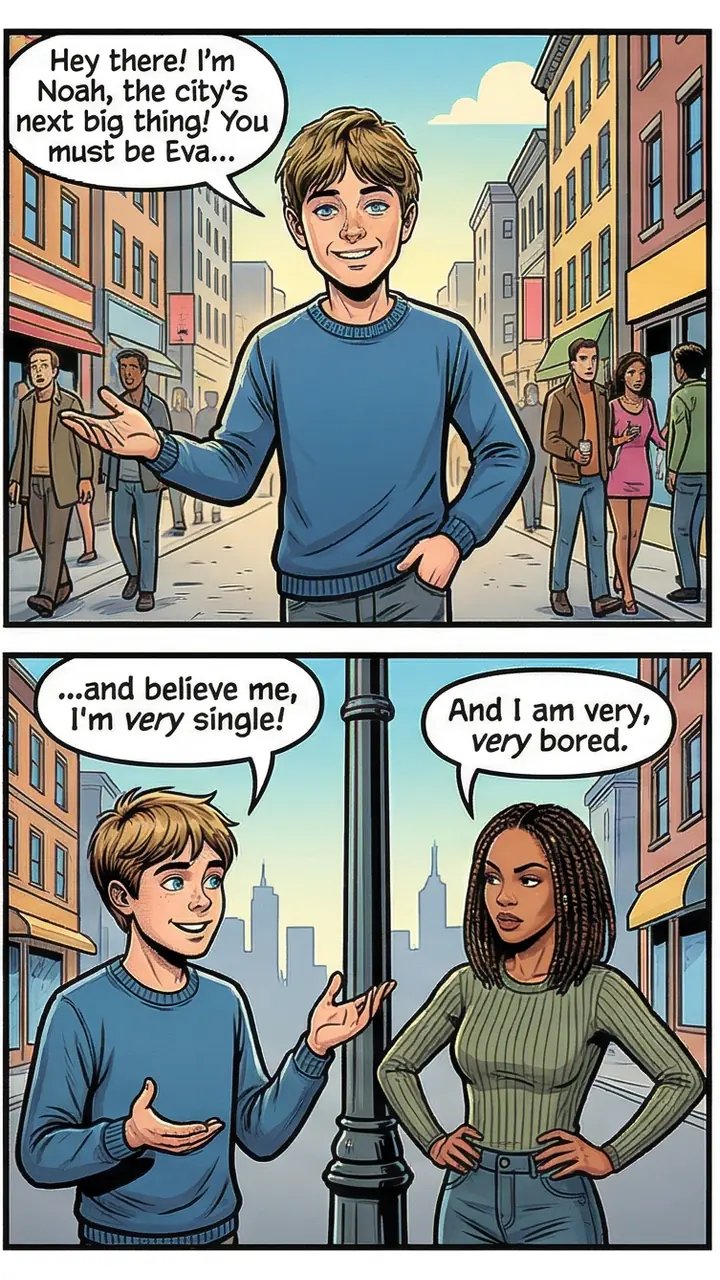
Page 1 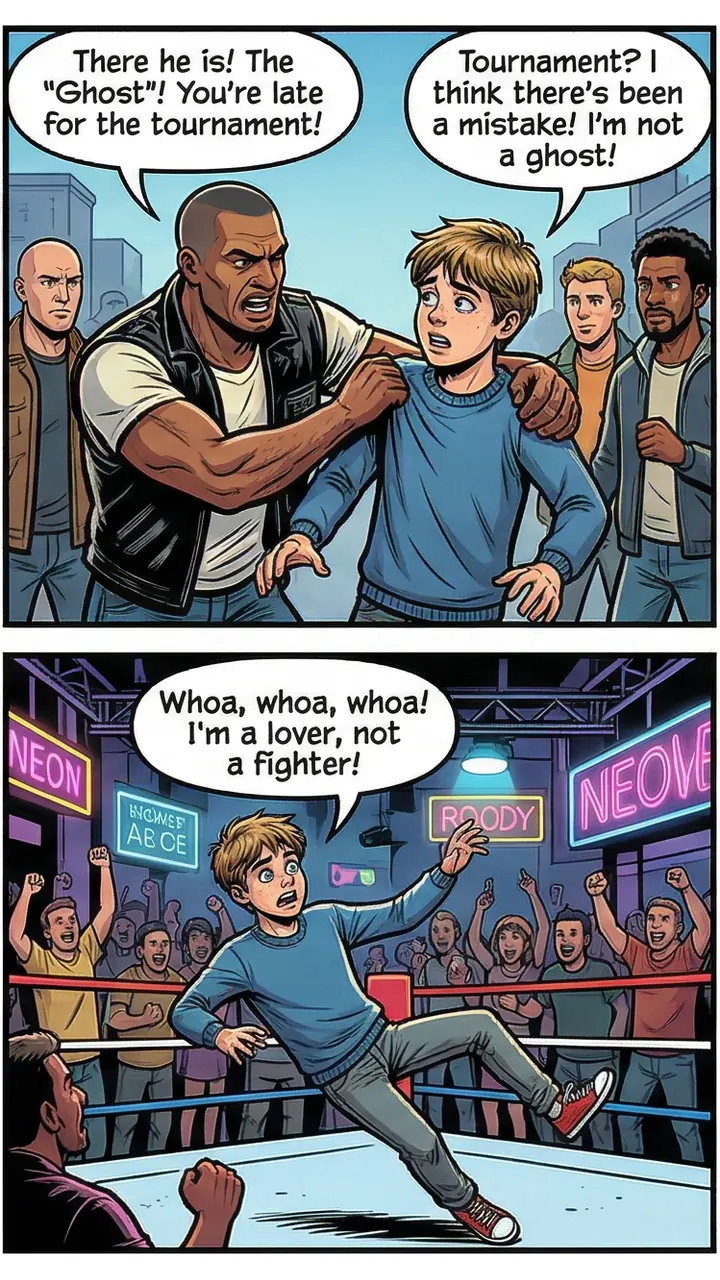
Page 2 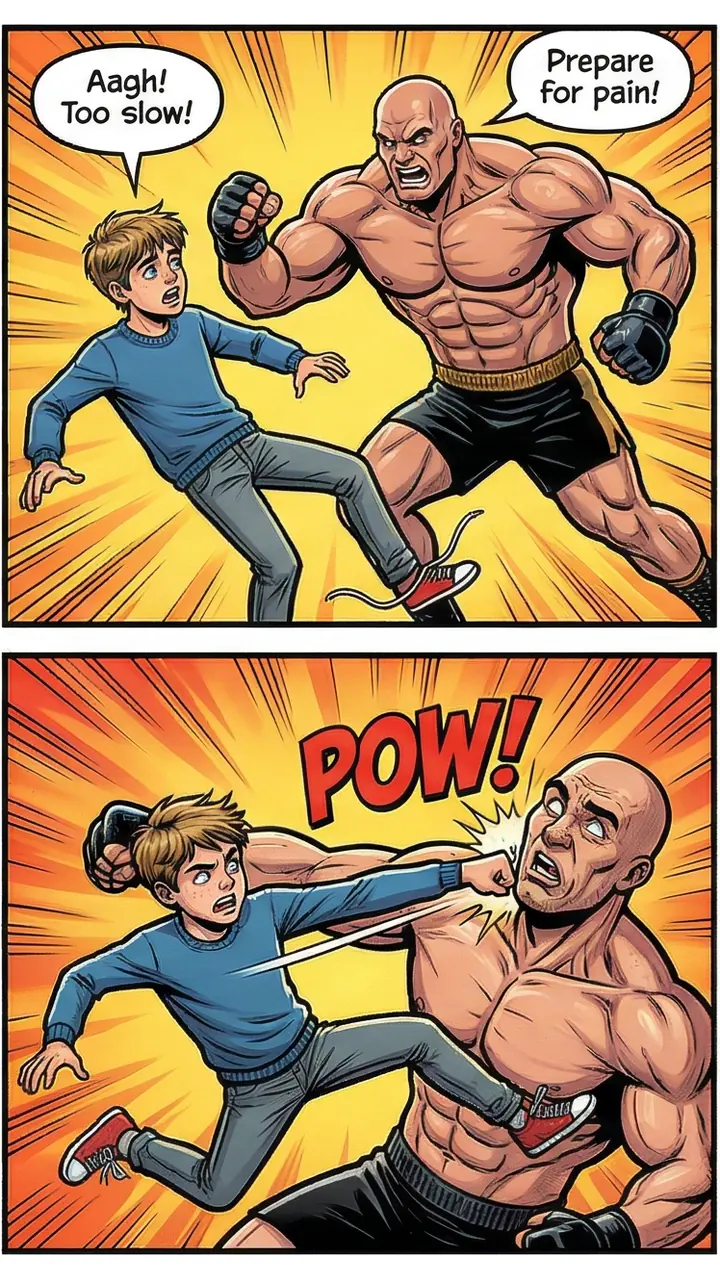
Page 3 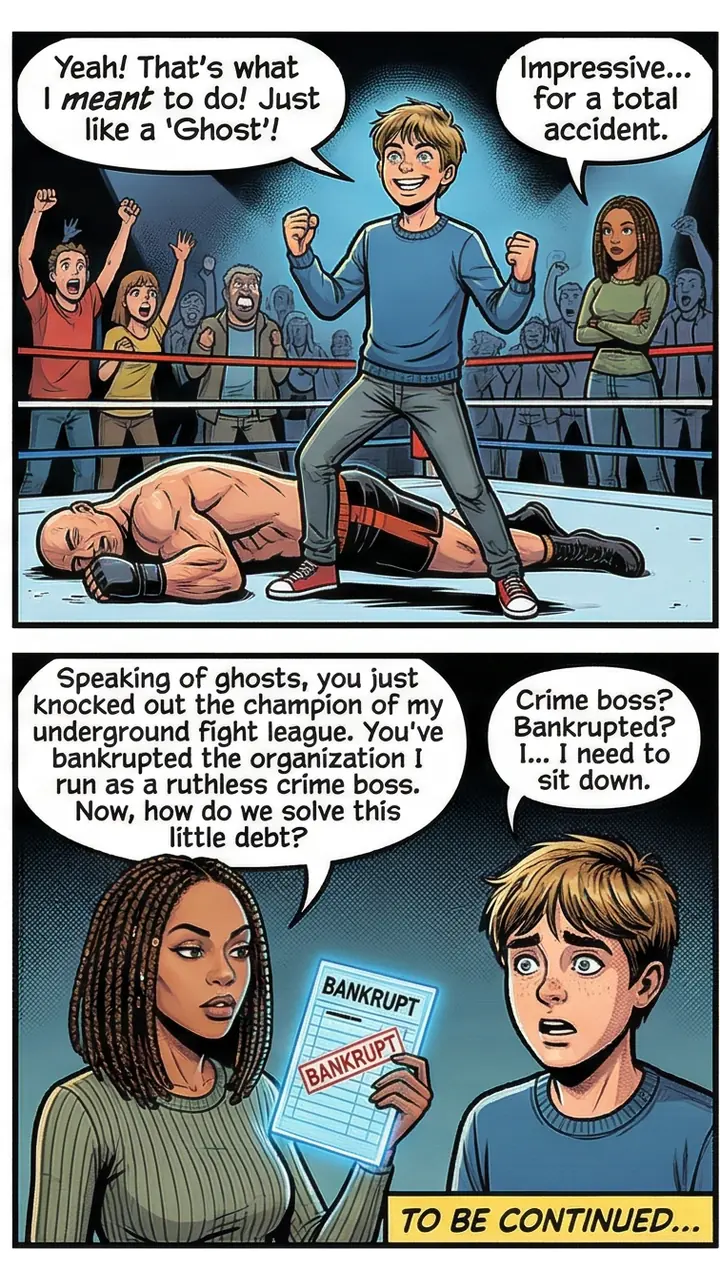
Page 4
More example comics
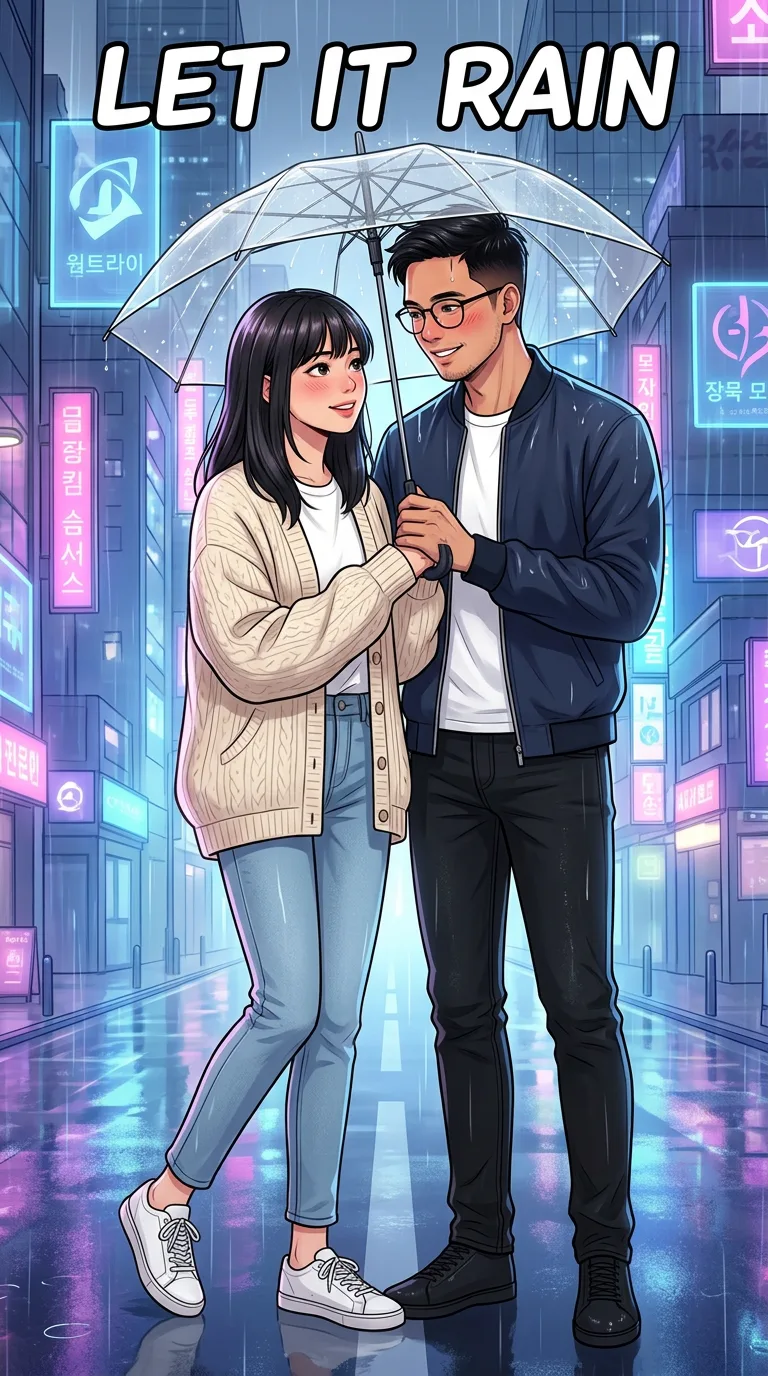
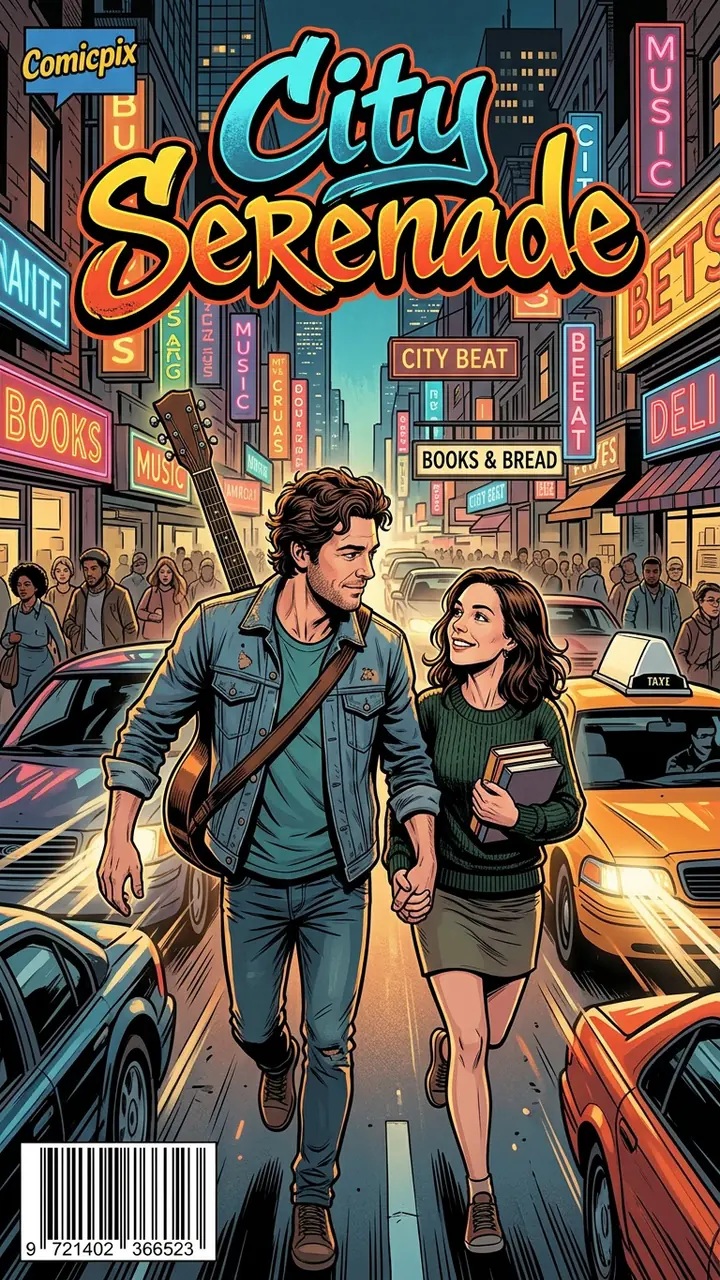
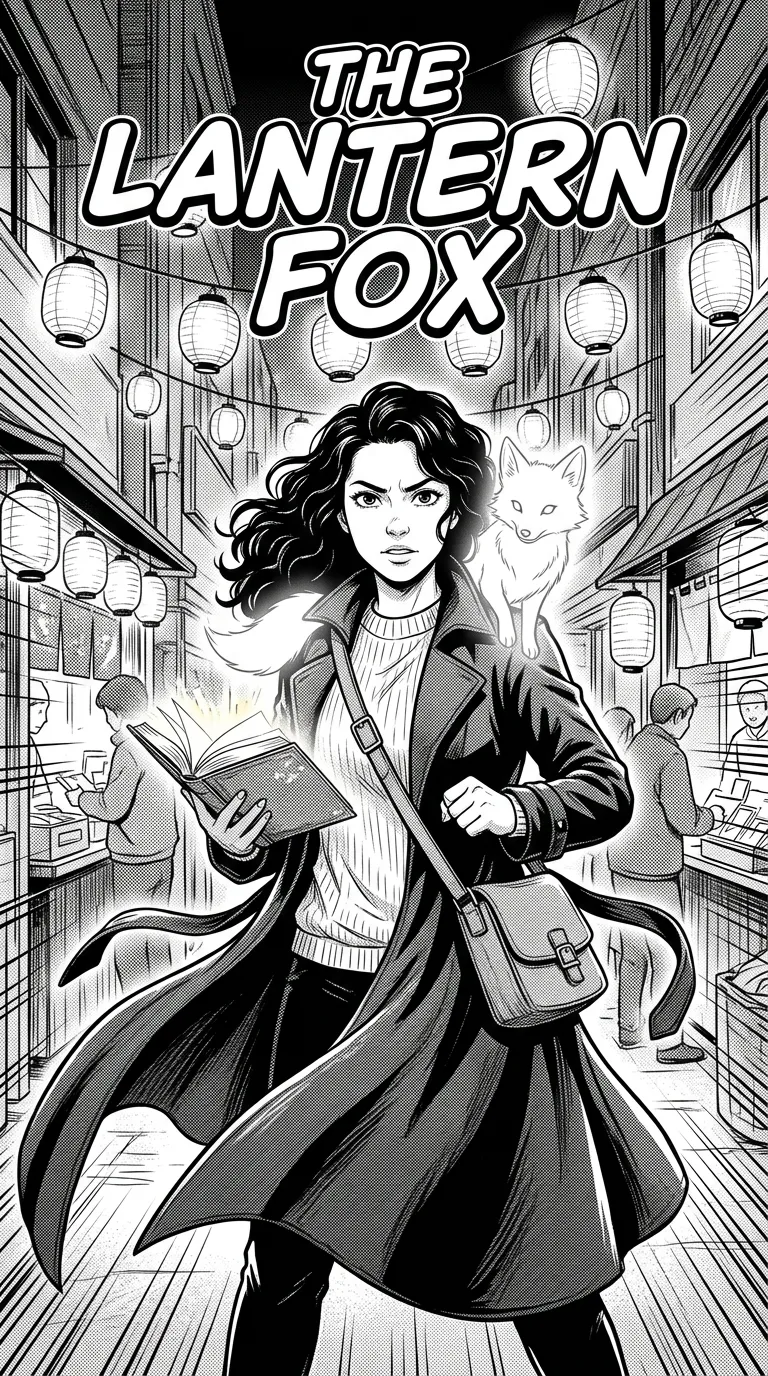
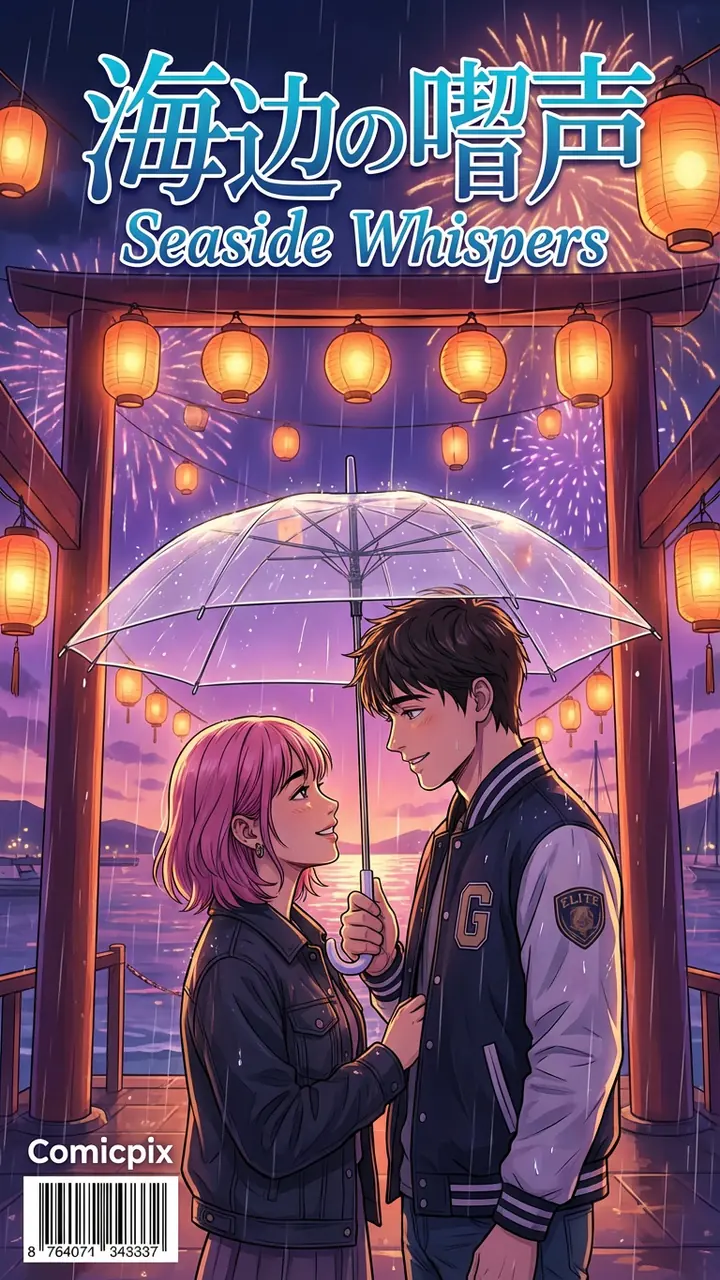
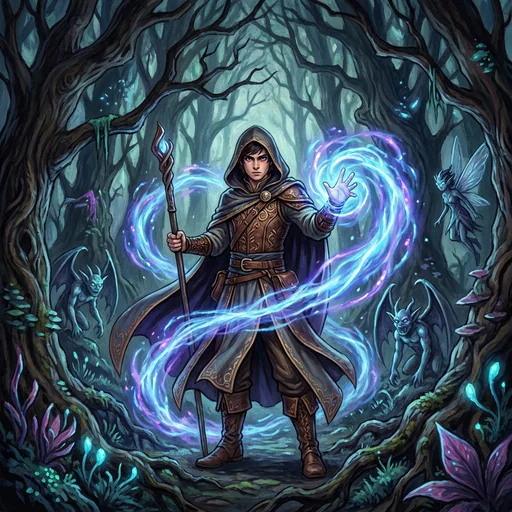
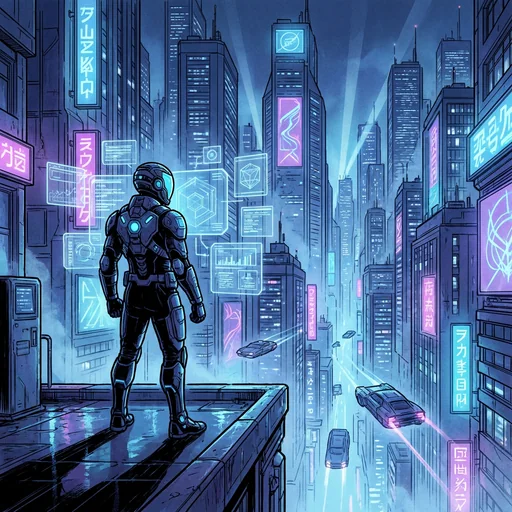
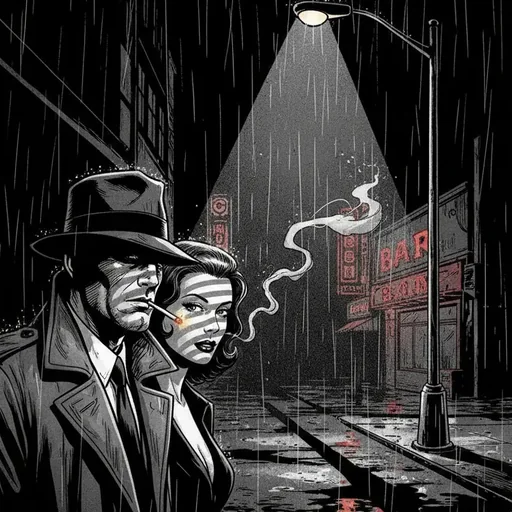
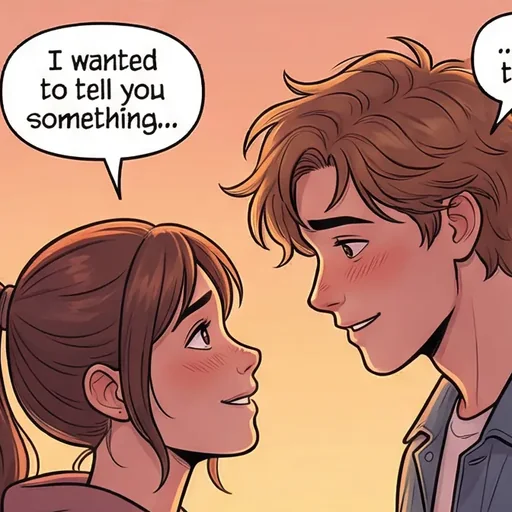
Six comics in five styles: manhwa, comic, manga, anime and noir, all real Comicpix output.
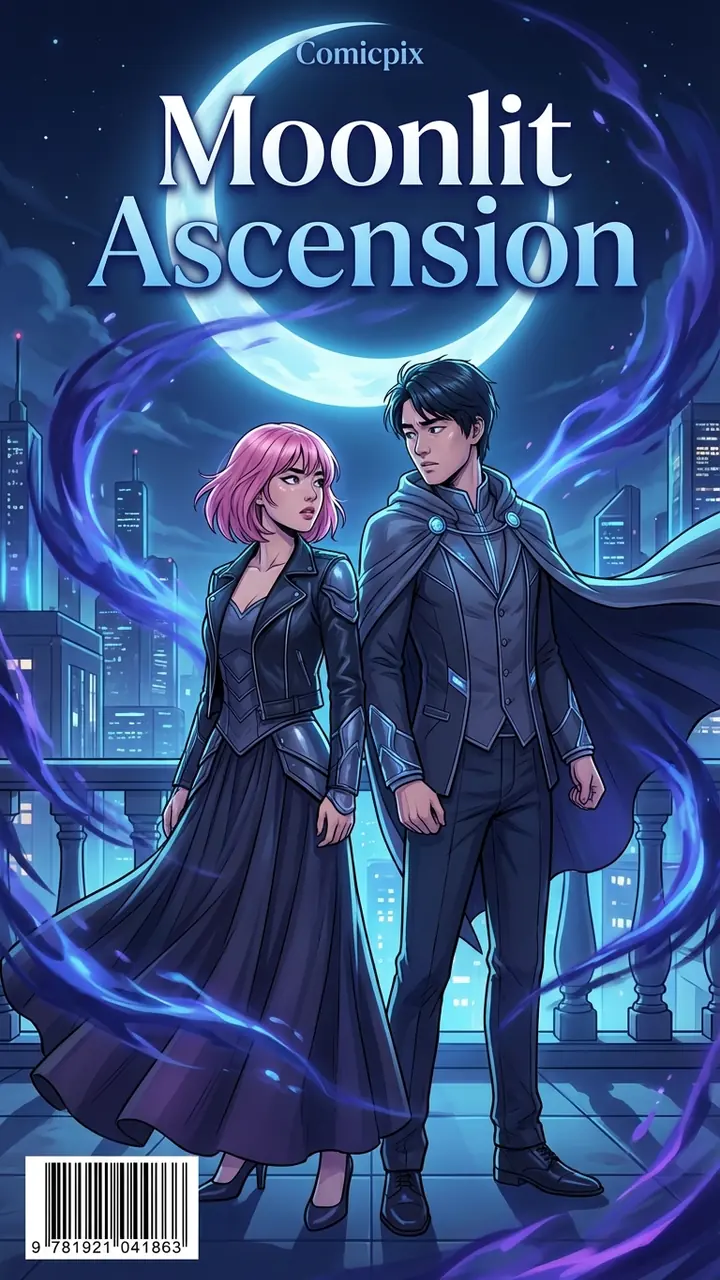
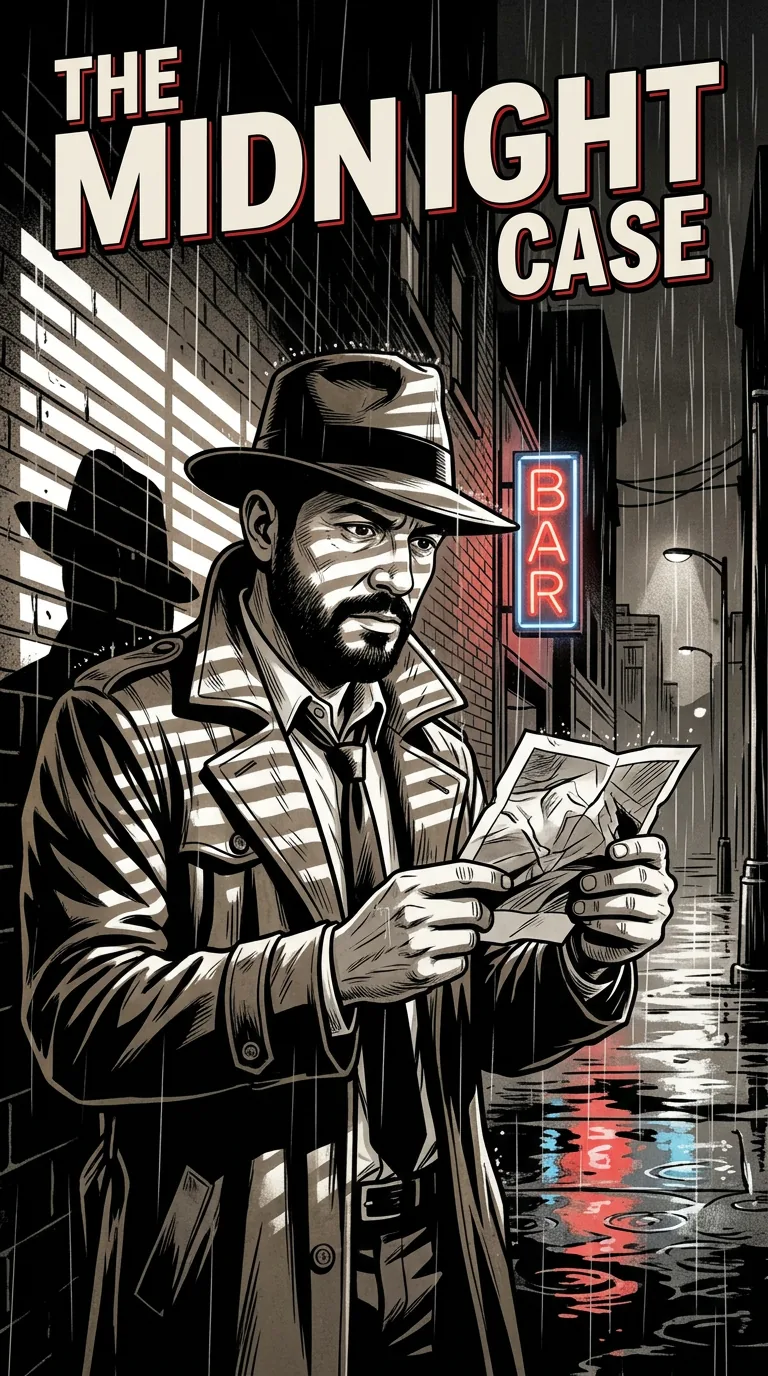
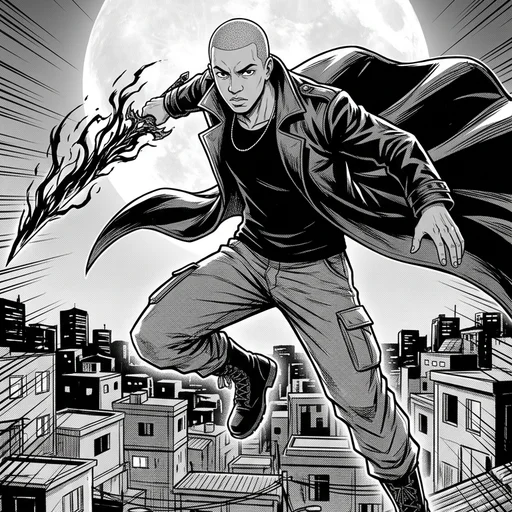
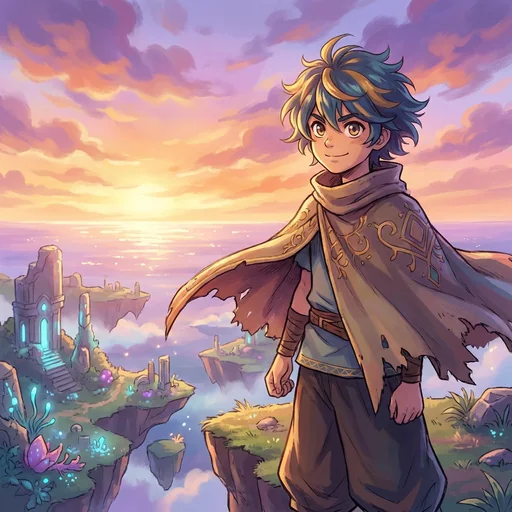
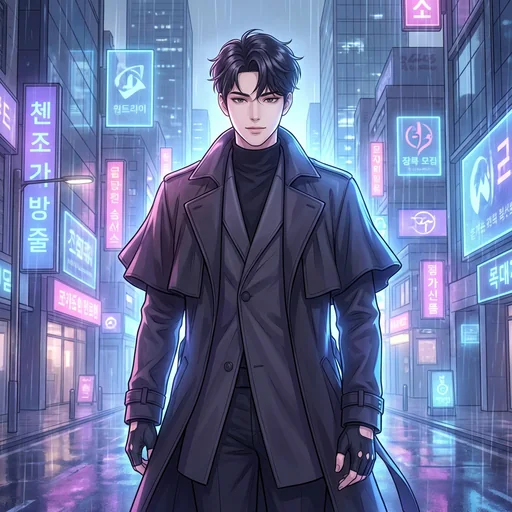

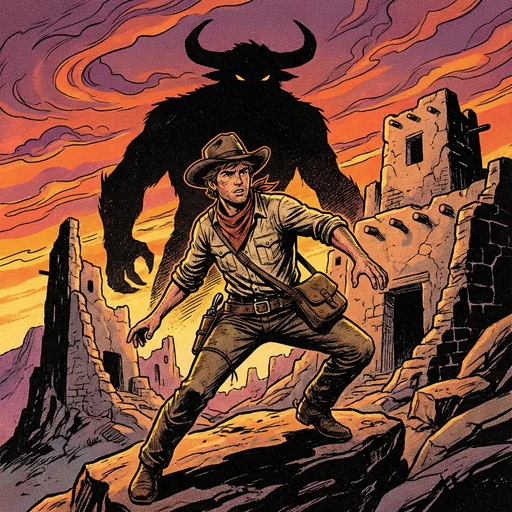
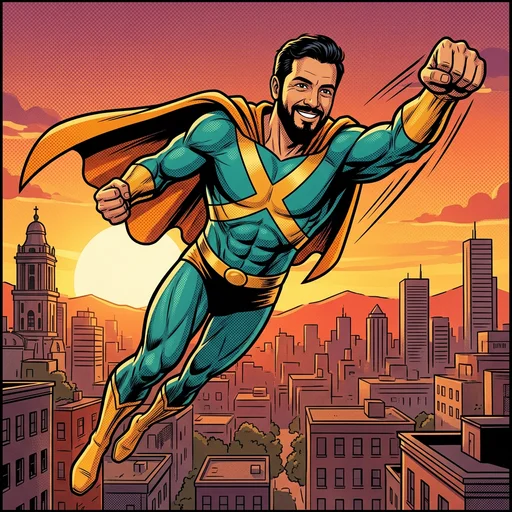
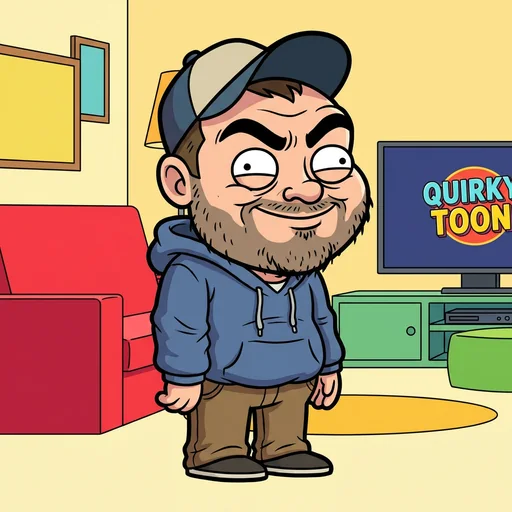
Which style should you pick?
Pick the style you want to see yourself drawn in; the whole comic uses that one style. The comic art styles page lists all 12, with an example comic where one exists.
Photo to manhwa and anime comic of yourself have their own pages, each with a sample photo and the cover drawn from it.
If you want to make a manga of yourself, the manga page shows black-and-white manga examples page by page.
What it costs
Your cover preview is free. Web plans, billed monthly in US dollars: Starter $6.99 (2,000 coins), Plus $19.99 (6,000 coins) and Pro $54.99 (20,000 coins). Cancel anytime online.
Questions about photo to comic
Can I turn a photo into a comic book for free?
The cover preview is free; the full 12-page comic needs a monthly plan, and you can cancel online. There is no free plan for full comics on the web.
How many photos do I need?
One photo is enough: Comicpix draws your hero from a photo and a name, and the Cast step’s photo tips say one person or pet per photo. A second character is optional and also starts from one photo, or from a ready-made character.
Will it look like me?
Comicpix draws you as an illustrated character in the style you pick; every style is drawn art, not a photo effect, so the result is a comic version of you rather than a copy of your photo. A clear, front-facing photo in even light, with no sunglasses, masks or filters, gives the drawing the most to work with.
Can I turn a couple photo into a comic?
Yes: a comic can star two characters, each from one photo of a person or pet, or a ready-made character. Use one photo per person rather than one photo of you both; the photo tips say one person or pet per photo. The personalized comic book for couples page shows a couple’s example.
Can I use a photo of my child?
Accounts are for adults (18+); if you submit a child’s photo, you must have the authority and permissions necessary to do so. The comic can be a story for a child, but the account holder must be an adult.
What do I get at the end?
On the web, every comic has 12 pages: the cover is drawn first, then the pages are drawn one by one after you unlock it, to read online or download as a PDF. Every style is an illustration; nothing is a photo edit.
How long does it take?
Your cover takes about a minute to draw. Once you unlock, Comicpix draws the 12 pages one by one and shows each page as soon as it’s finished.