
Updated · Comicpix (Meezyo LLC) · About
Alternatives
Dashtoon alternatives for making your own comics
Dashtoon’s own Create page says Dashtoon Studio closed on 15 August 2026; to keep making comics, LlamaGen and Anifusion are the closest studios, Yume Comic turns text into panels, and Comicpix draws a finished comic of a real person from a photo. Comicpix makes this page and is one of the tools compared.
Your cover preview is free
What changed at Dashtoon
Dashtoon’s Create page, checked on 26 October 2026, says Dashtoon Studio shut down on 15 August 2026 and is no longer available, and that creation continues on Frameo, which Dashtoon describes as its platform for AI video and short drama. That is about making comics. The reading side is still there: dashtoon.com lists comics to read and links its iPhone and Android apps.
So this page is for people who made comics, or meant to, and want to keep making comics rather than video. If you only read on Dashtoon, nothing on its site says that has changed; see Comicpix vs Dashtoon for the difference between reading and making.
How this list is ordered
By how much of the making you control, most first: studios where you build and edit panels at the top, a done-for-you maker at the bottom. The order is about fit for someone leaving a creation tool, not about quality, and there are no ratings. Comicpix is last because it is the least like a studio.
Dashtoon alternatives at a glance
Ordered from most to least control over the making. Facts from each tool’s own pages; no ratings and no winner.
| Tool | What it makes | Edit panels yourself? | Pricing on its own site | Fits best when |
|---|---|---|---|---|
| LlamaGen | Comics, webtoons, manhwa and manga from a prompt, a character, an image or a story idea. Web, an iPhone app and an Android APK | Yes: panel images, dialogue and page layouts, plus Chat Editing | Free plan; Standard $18 a month, Pro $30 a month (monthly billing); one-time credit packs | You want a studio that names webtoons and manhwa among its outputs, with a free plan |
| Anifusion | Manga pages with built-in layouts, characters, speech bubbles and editing tools. Desktop only, by its own FAQ | Yes: panel presets or your own layout, and painting and inpainting on a canvas | Free plan with 100 credits; Creator $9 a month; Pro $24 a month | You make manga pages on a computer and want to lay out every panel |
| Yume Comic | Comic and manga pages from a few lines of text, characters kept consistent; images or a vertical strip for phones | Not stated on their site | Free: one page with four panels. Pro: $4.99 a week or $9.99 a month | You want to type a story, get panels back and export a vertical strip |
| AI Comic Factory | Comic panels from a single prompt; open-source code (Apache-2.0) and a demo on Hugging Face | Not stated on their site | Not stated on their site; the code repository is archived | You want open-source code to study or run yourself |
| Comicpix | One personalized comic with a real person (or a pet) as the lead, in the style you choose; pages, not vertical strips | No: you choose the style, cast and story, and the comic is drawn for you | The cover preview is free; monthly plans from $6.99 | You want a finished comic starring you or someone you know, without studio work |
Sources (checked ):
- Dashtoon: Create page (Studio closed)
- Dashtoon: home page (reading, app links)
- LlamaGen: home page
- LlamaGen: pricing
- LlamaGen: mobile apps
- Anifusion: features and FAQ
- Anifusion: pricing
- Yume Comic: home page
- Yume Comic: pricing
- AI Comic Factory: Hugging Face Space
- AI Comic Factory: code repository (license, archived)
Each alternative, and when it fits
LlamaGen: a full studio
LlamaGen says it creates the entire comic, webtoon, manhwa or manga for you from a prompt, a character description, an image or a story idea, and then lets you edit panel images, dialogue and page layouts. It has a free plan, monthly plans and one-time credit packs, an iPhone app and an Android APK. Of the tools here, it is the one that names webtoons and manhwa as outputs. Read Comicpix vs LlamaGen for the two side by side.
Anifusion: manga pages, panel by panel
Anifusion turns a story into manga pages with built-in layouts, reusable character sheets, speech bubbles and a canvas for painting and inpainting. It lists manga fonts and vertical text, a free plan and two paid plans with commercial use included. Its FAQ says it supports desktop only for now, so it fits if you draft on a computer.
Yume Comic: type a story, get panels
Yume Comic describes itself as an AI comic maker from text to panels. You write a few lines about your characters and what happens; it says the characters stay consistent across the story, and it can export a vertical strip for reading on a phone, which is the closest thing on this list to a scrolling episode. Its free plan is small and the Pro plans are weekly or monthly.
AI Comic Factory: open source
AI Comic Factory makes comic panels from one prompt with a language model and an image model. The code is open source under Apache-2.0 and a demo runs as a Hugging Face Space, but the code repository is archived. It suits tinkering, not an ongoing series.
Comicpix: a comic starring someone real
Comicpix is a different kind of tool: not a studio for your series, but a maker for one comic in which you, a friend, a partner or a pet is the main character. Pick a style, such as manhwa, anime or romance, add a photo and a name, and choose a ready story or write a few sentences. The cover is drawn in about a minute and the preview is free; a monthly plan unlocks every page, read online or as a PDF.
It draws pages, not vertical-scroll webtoon strips, and it does not let you edit panels or speech balloons. If you were drawn to Dashtoon by manhwa romance, the photo to manhwa page shows the style with a couple as the leads.
What about Frameo?
Frameo is where Dashtoon’s Create page sends Studio users. Dashtoon describes it as a platform for AI video and short drama, not comics, so it isn’t in the table above. If moving from comics to short video suits you, it is the official path; if you want to keep making comics, the tools above are built for that. For every comic tool side by side, see AI comic makers compared.
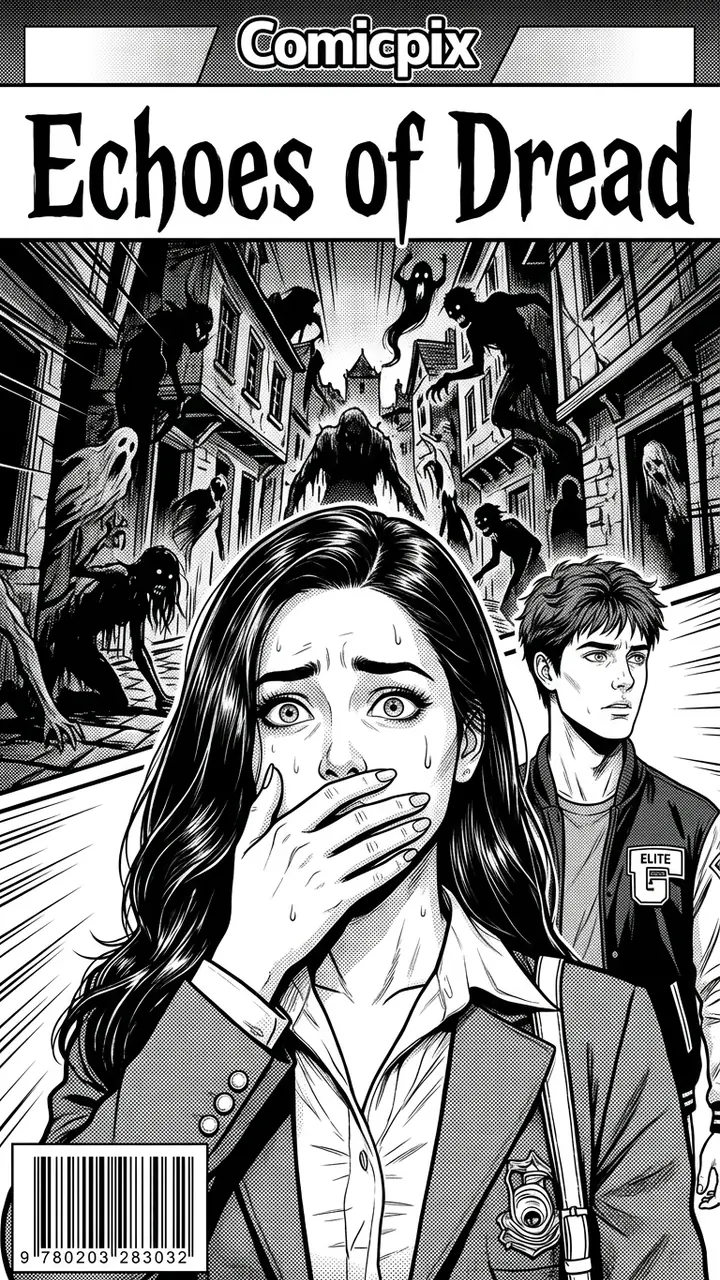
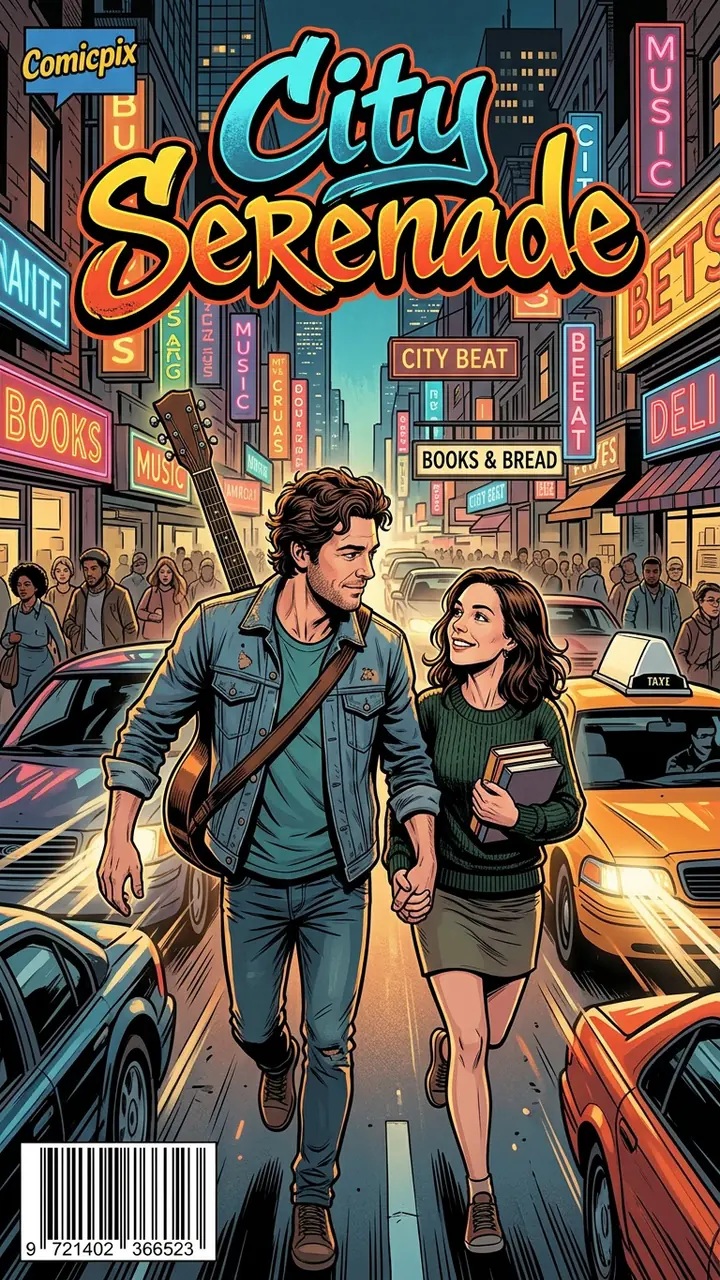
Romance, school horror and a street serenade, drawn by Comicpix
Real Comicpix output: the cover and the first drawn pages of each comic.


What Comicpix costs
Your cover preview is free. Web plans, billed monthly in US dollars: Starter $6.99 (2,000 coins), Plus $19.99 (6,000 coins) and Pro $54.99 (20,000 coins). Cancel anytime online.
Questions about Dashtoon alternatives
Did Dashtoon shut down?
Dashtoon’s own Create page says Dashtoon Studio, its comic creation tool, shut down on 15 August 2026. It doesn’t say the reading side closed: dashtoon.com still lists comics and links its apps (checked 26 October 2026).
What is the closest alternative to Dashtoon Studio?
Of the tools on this page, LlamaGen is the closest studio that names webtoons and manhwa among its outputs and lets you edit panels, dialogue and layouts. Anifusion is the closest for manga pages on a computer.
Can I still make a webtoon with AI?
LlamaGen lists webtoons among its outputs, and Yume Comic can export a vertical strip for phones. Comicpix draws pages, including in the manhwa style, but not vertical-scroll strips.
Is there a free Dashtoon alternative?
LlamaGen, Anifusion and Yume Comic each list a free plan on their pricing pages, and AI Comic Factory’s code is open source. Comicpix’s cover preview is free; the full comic needs a monthly plan.
What happens to my Dashtoon Studio comics?
We can’t answer that for Dashtoon. Its Create page gives a support email for questions about your account or your work.
Why is Comicpix on this list?
Because if what you wanted from a creation tool was a comic of yourself or someone you love, that is the one job Comicpix does. It is last because it gives you the least control over panels.
Make a comic starring someone you know
One photo, a name and a short story. The cover preview is free.
Create your comic