
Updated · Comicpix (Meezyo LLC) · About
Comic strip and panel maker
Comic panels drawn for you, page by page, from your story
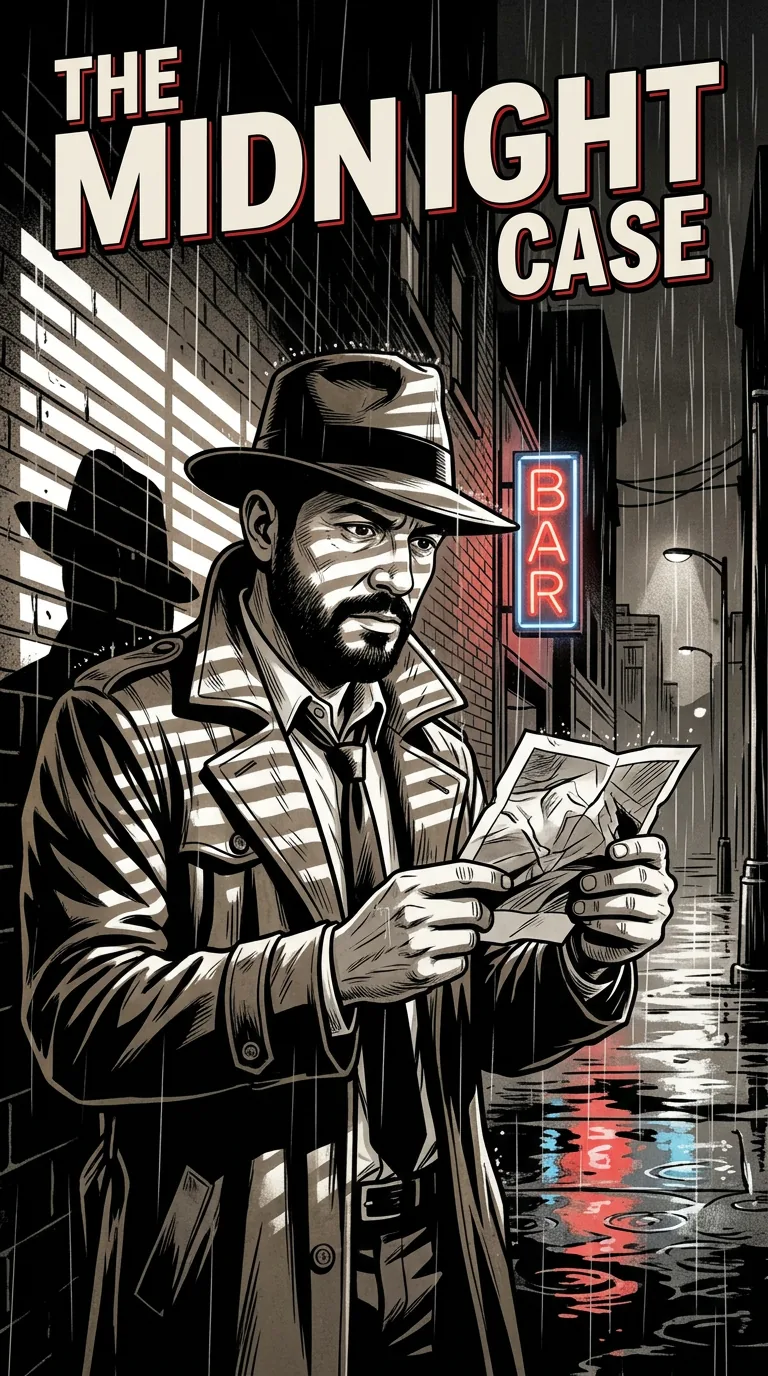
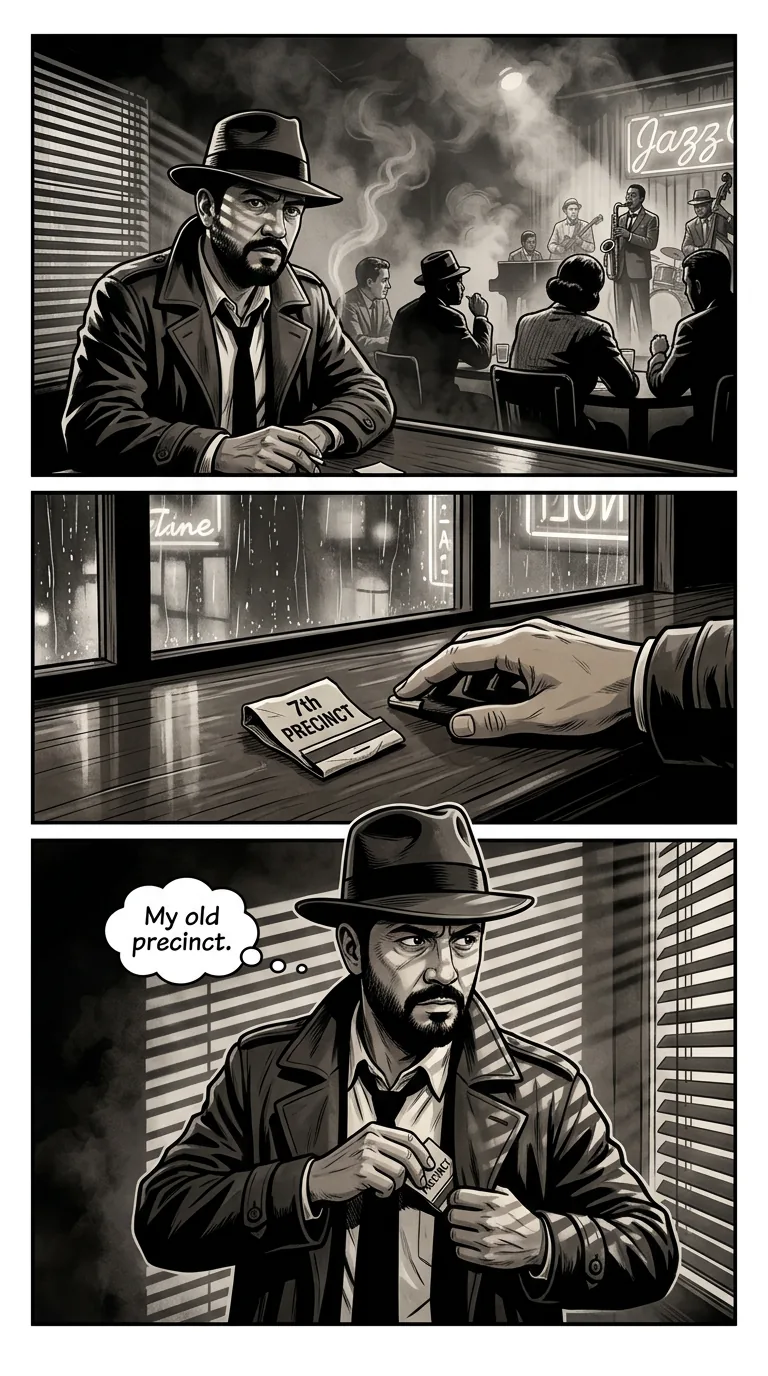
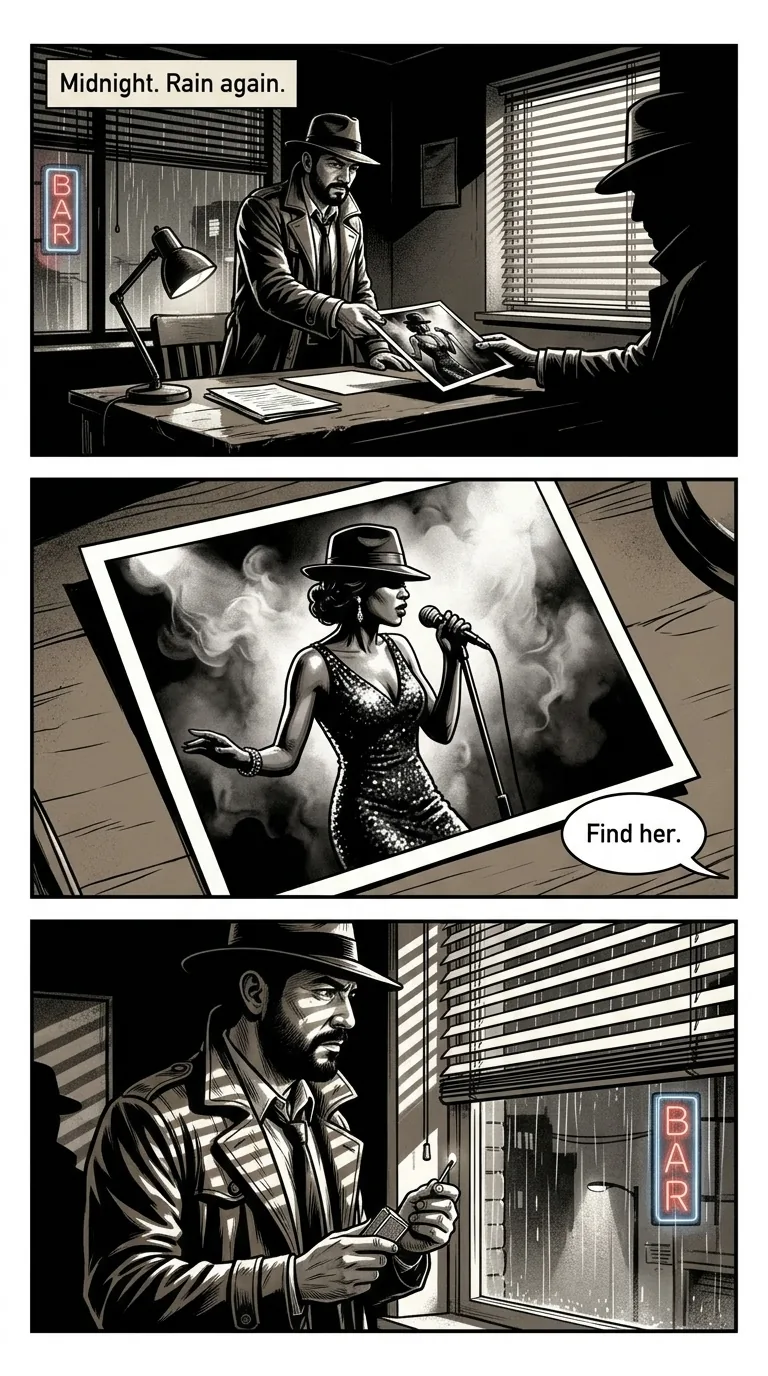
Comicpix is not a comic strip maker where you draw or arrange panels yourself: it draws whole comic pages, each laid out in panels, from your photo and a short story. You pick the style and the story; the panels, captions and speech balloons are drawn for you, cover first.
Your cover preview is free
Comic strip maker or comic page maker?
A comic strip is a short row of panels that tells a joke or a moment. A comic strip maker is usually an editor: you choose a panel grid, drag in characters and backgrounds, and type the speech balloons yourself. If that is what you want (full control, your own drawings, your own layout), a drawing app or a strip editor is the right tool, and Comicpix is not.
Comicpix works the other way round. You give it a hero (one photo and a name), a style and a few sentences of story, and it draws a whole comic: a cover, then pages, each page split into panels. It decides the layout of every page, writes the captions and balloons, and keeps your hero the same from panel to panel.
So the honest answer to a “comic panel maker” search: Comicpix makes panels, but not one at a time and not by hand. How a story becomes a script and then pages is on the AI comic generator page.
Panels, gutters and captions, on real pages
Panels
A panel is one framed picture: one moment of the story. The first page of “The Midnight Case”, a noir comic, stacks three across the page. A wide shot of a rainy office as a client slides a photo across the desk; a close-up of that photo, a jazz singer in a sequinned dress; a medium shot of the detective by the window. Wide, close, medium: the change of distance is what makes three pictures read as one scene.
Gutters
The gutter is the strip of white between panels. Your eye jumps across it and your mind fills in what happened in between. On the first page of “Cosmic Clash”, a shonen fight in the manga style, there are just two panels: a hero doing pull-ups on a rooftop late at night, then the concrete cracking under him. The power wakes up in the gutter.
Captions and balloons
A caption is the narrator’s box, usually tucked into a corner; a balloon is a character speaking. “The Midnight Case” opens with the caption “Midnight. Rain again.” and gives the client a single balloon: “Find her.” “Cosmic Clash” adds sound effects drawn into the art, like “BOOM!” and “KA-POW!”, and a jagged shout balloon: “STAY BACK!”
Splash pages
Sometimes a page is one big panel. The last page of “The Midnight Case” is a splash: the detective drops the evidence on a desk as flashbulbs go off and the crooked captain is led away, with one caption, “Case closed.” A splash is for the moment the story has been building to.
“Cosmic Clash”: a rooftop fight told in big, loud panels
From the Comicpix app’s story catalog, drawn in the manga style: a late-night workout, a cosmic power that cracks the concrete, and a rival who feels it and comes looking. Notice how few panels each page needs. Your comic starts from your photo instead.
Manga · starring Saint & Rage · See the whole example
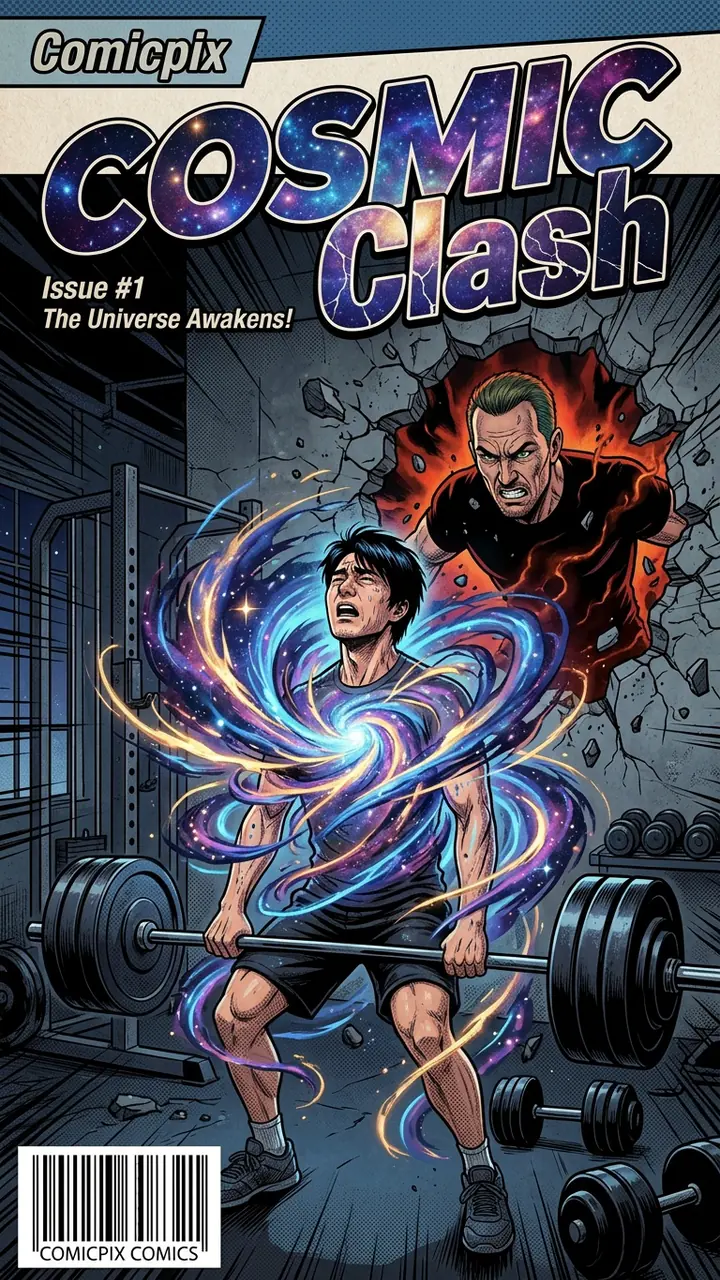
Cover 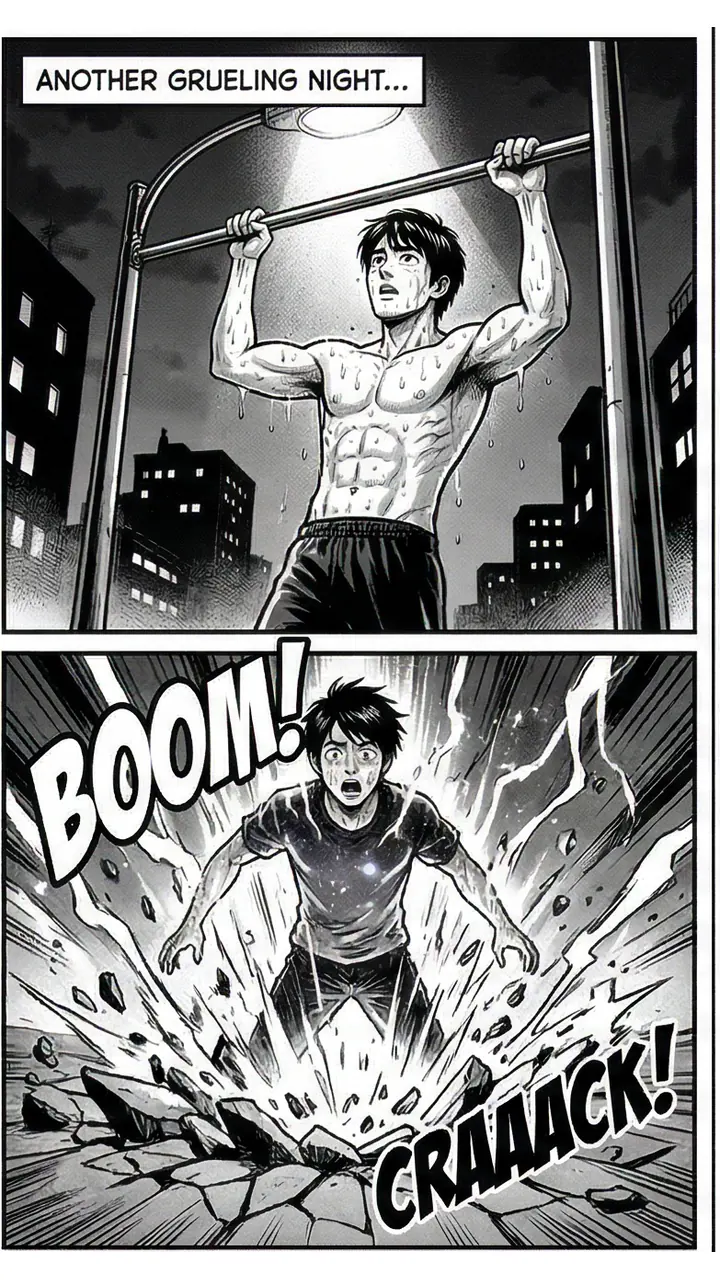
Page 1 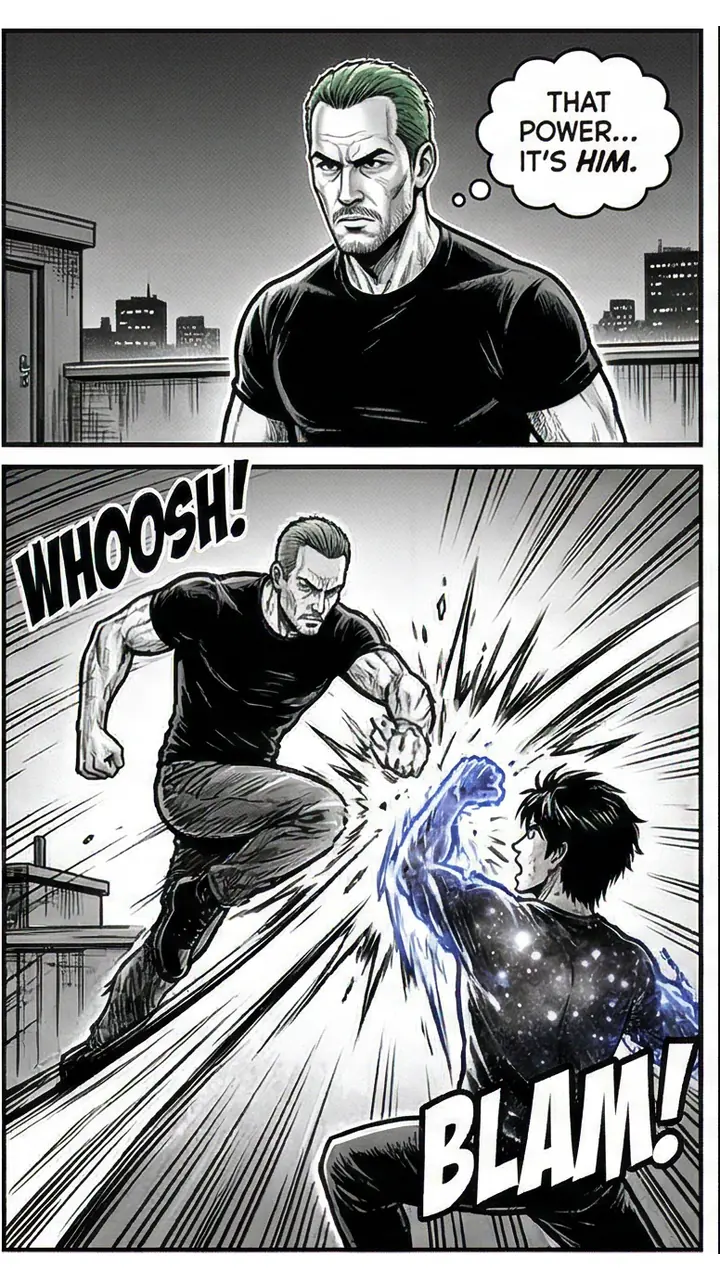
Page 2 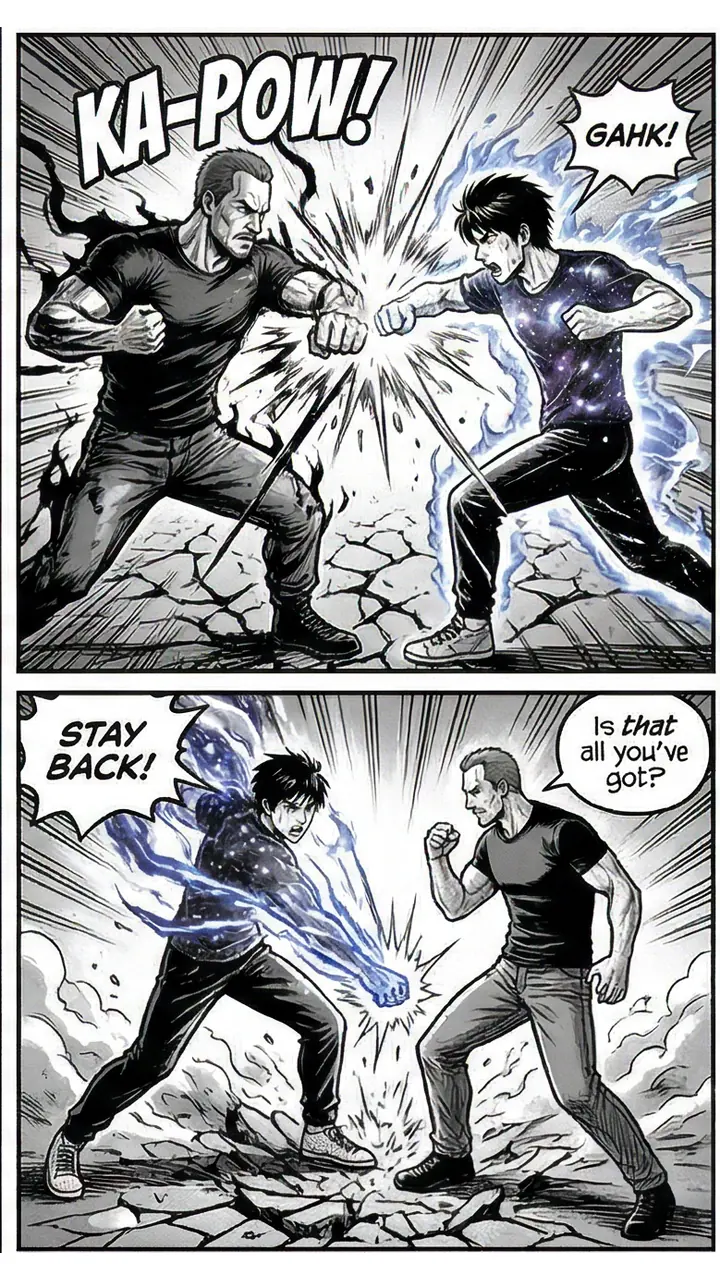
Page 3 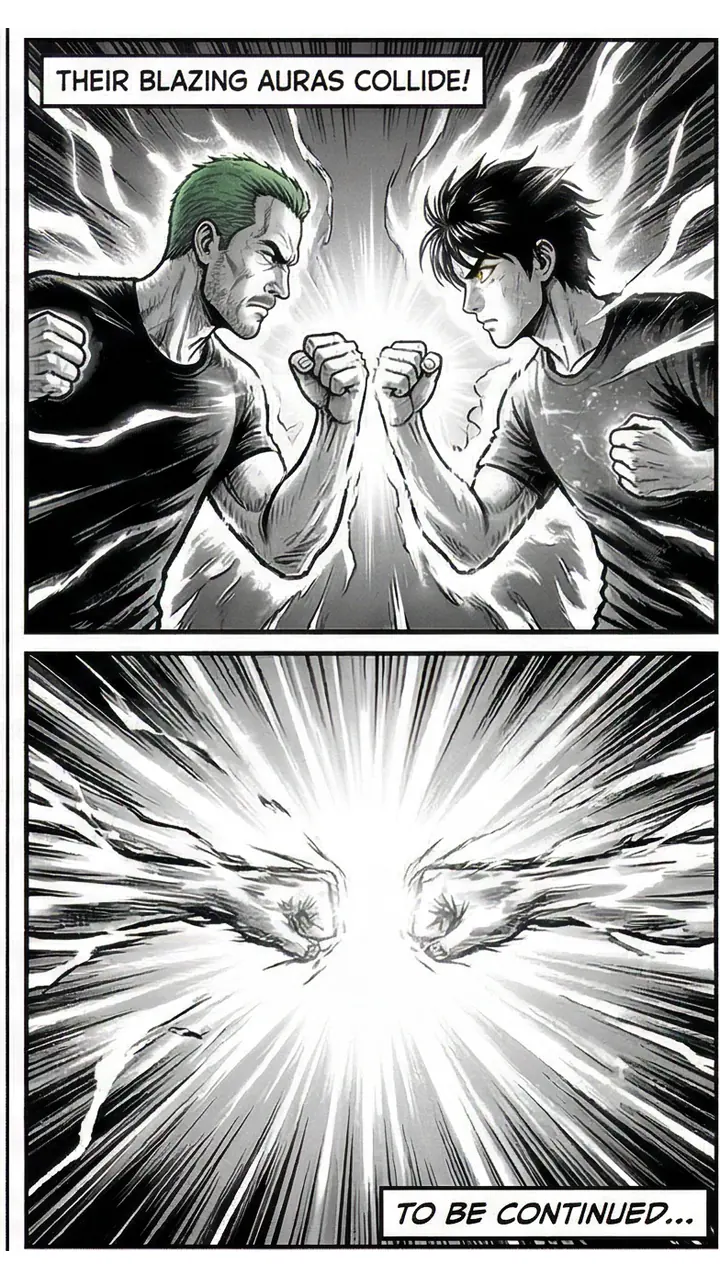
Page 4
How to get your story drawn in panels
Pick a style
Black-and-white manga, full-color manhwa, noir, superhero and more. Every panel of the comic is drawn in that one style.
Add a photo and a name
One clear photo of yourself, a friend or a pet, or a ready-made character. A second character is optional.
Write what happens, not the panels
A few sentences are enough: a beginning, a problem and an ending. The panel layout, captions and balloons are planned from them.
See your cover
The cover is drawn first, in about a minute. The preview is free.
Unlock the pages
A monthly plan unlocks the comic. The pages are drawn one by one; read them online or download a PDF.
Writing a story that panels well
Give the story a few clear beats: a setup, a turn, a chase or a confrontation, a payoff. Each beat gives the layout room for a wide shot to set the scene and a close-up for the face that matters.
Write actions you could see. “She grabs the wrong umbrella in the rain” draws better than “she feels unsure”. Name a place, too: a bus stop at night, a night market, a rooftop. Settings give the wide panels something to show. Stuck for a plot? The comic story ideas page has plots sorted by genre.
Know what you can’t change later: once the pages are drawn, you can’t move panels or edit the words in the balloons. The cover preview is free, so you see the style and the hero before you commit. If cost is the question, the free comic maker page says exactly what you get without paying.
More pages to study
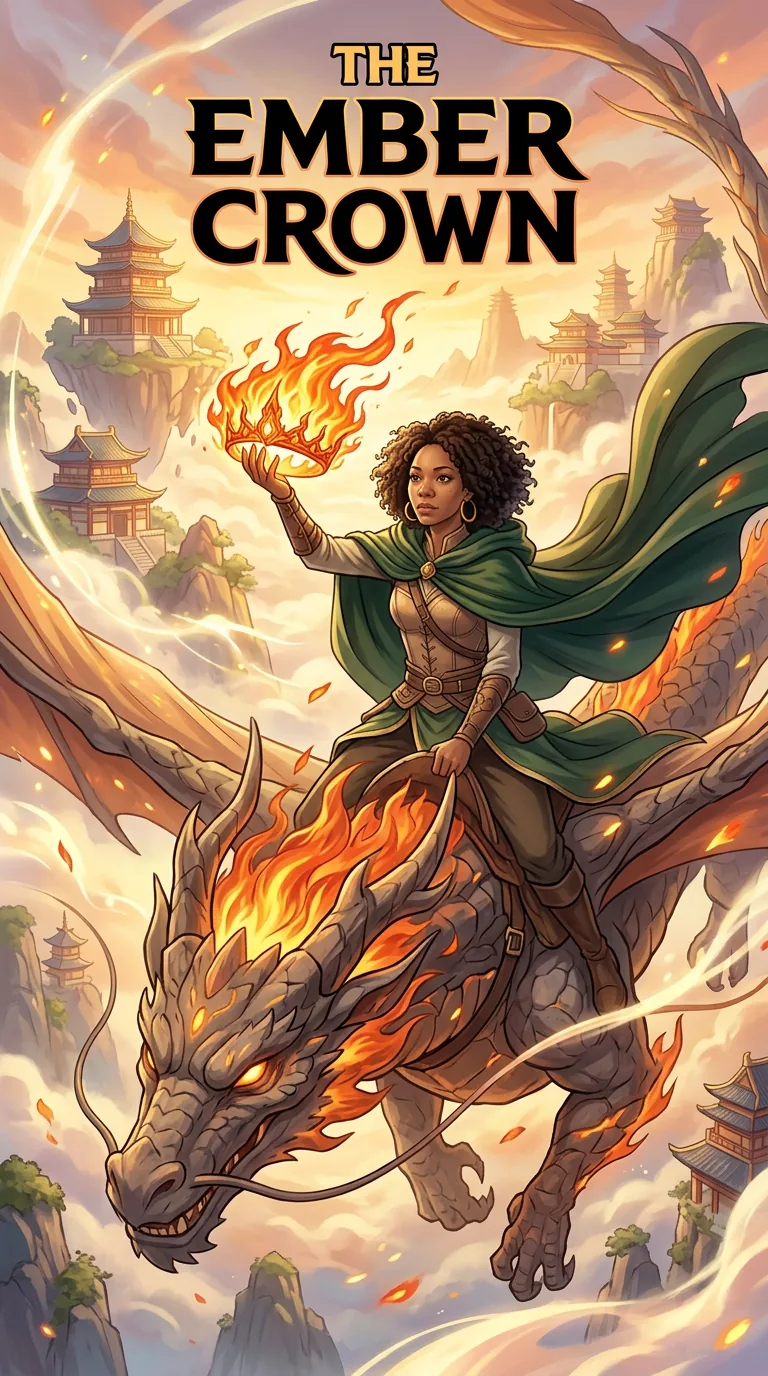
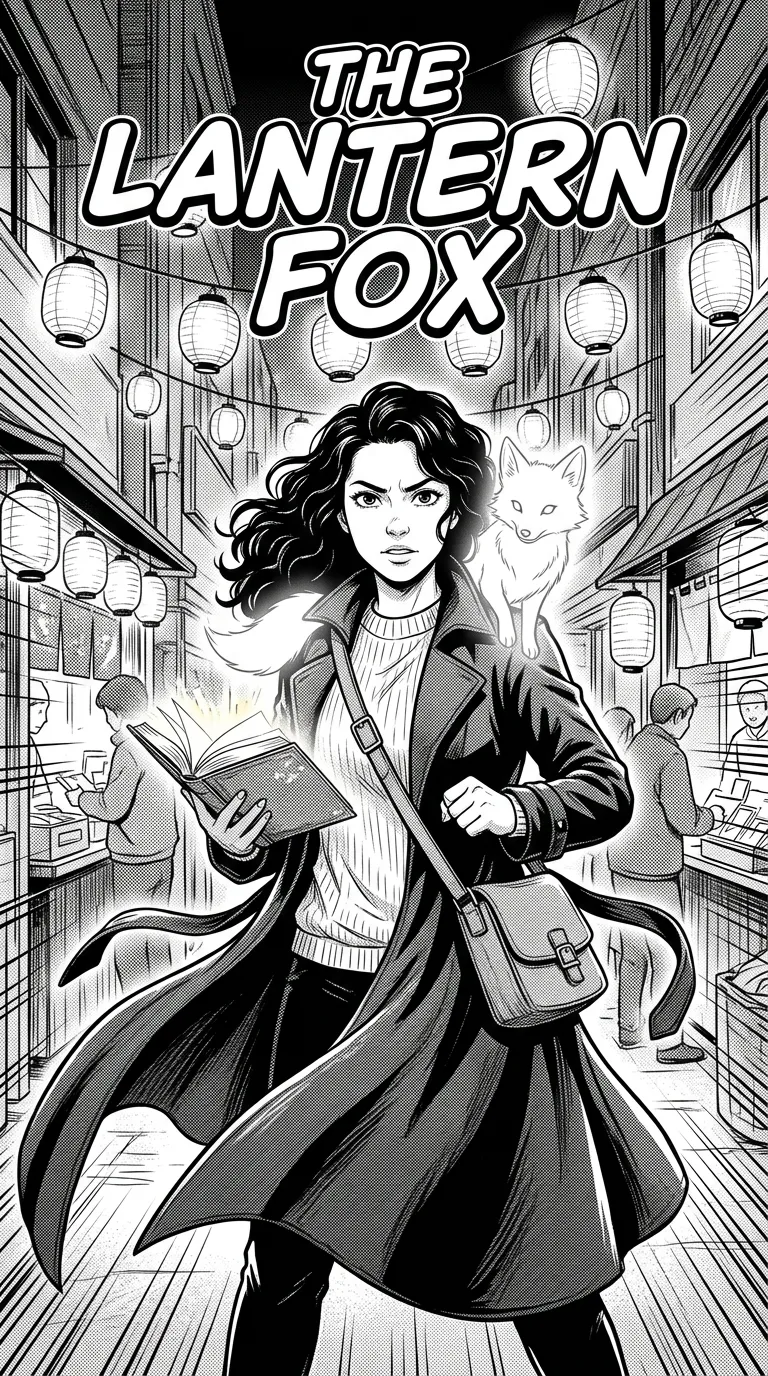
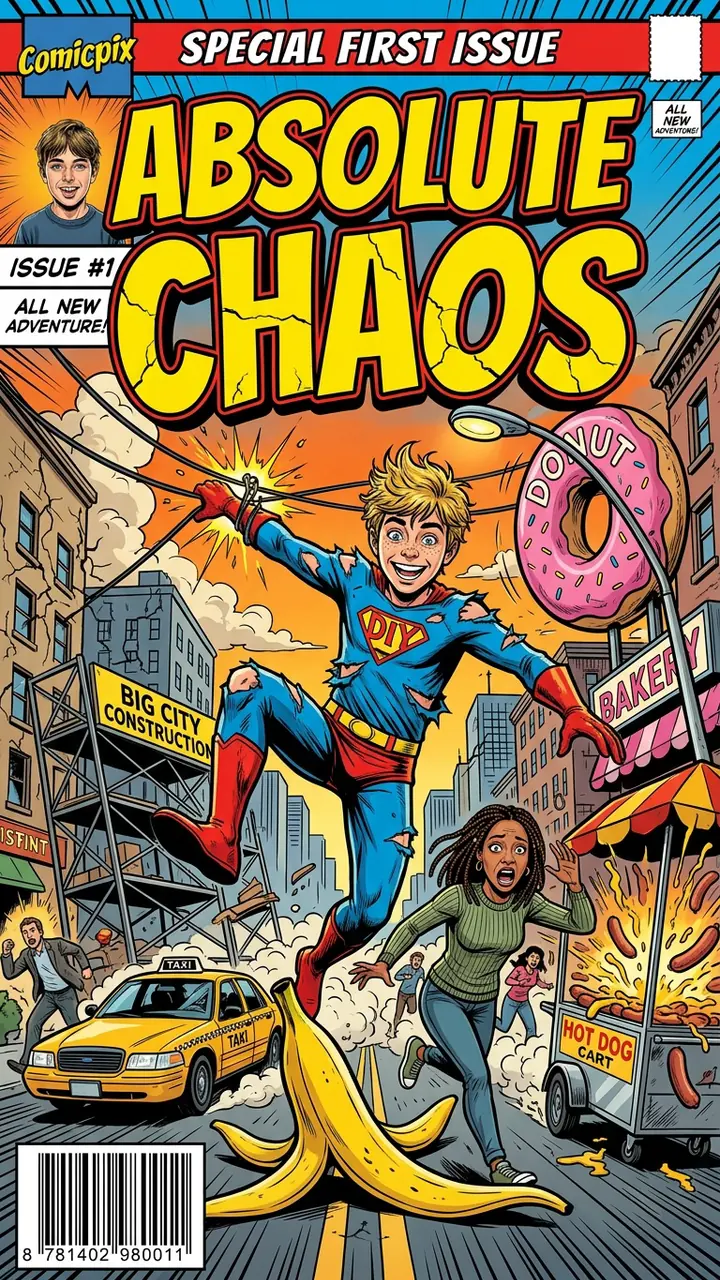
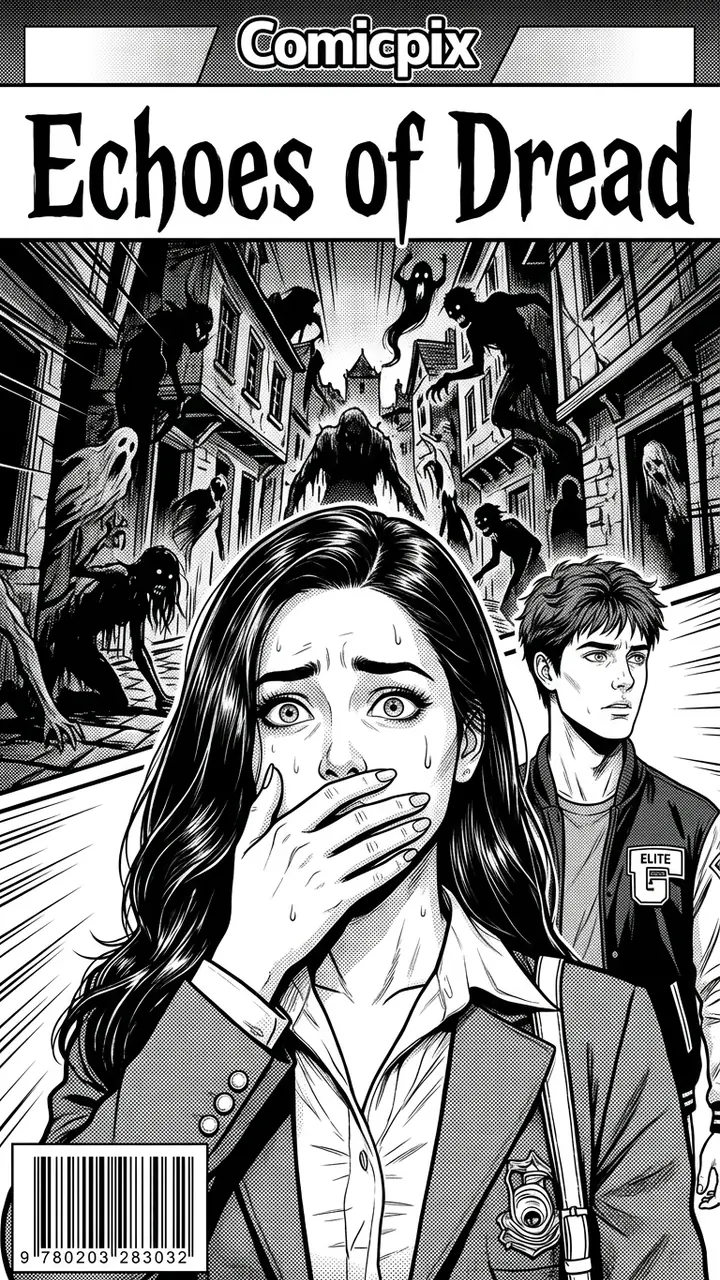
Real Comicpix comics. Open one of our own stories to read its script panel by panel under the pages.

What it costs
Your cover preview is free. Web plans, billed monthly in US dollars: Starter $6.99 (2,000 coins), Plus $19.99 (6,000 coins) and Pro $54.99 (20,000 coins). Cancel anytime online.
Questions about comic strips and panels
Can I make a comic strip with Comicpix?
Not a strip you lay out yourself. Comicpix draws whole comic pages, each made of panels, from your photo and a short story. To draw or arrange panels by hand, use a drawing app or a strip editor.
Can I choose how many panels go on a page?
No. The layout of each page is planned with the script, from a single splash panel to a page of several panels.
Can I edit the speech balloons?
No. The captions and balloons are written and drawn with the pages, and there is no text editor afterwards.
Who appears in the panels?
Your hero and an optional second character, each from one photo of a person or pet, or a ready-made character. Other people in the story are drawn as part of the scene.
What is the difference between a comic strip and a comic page?
A strip is one short row of panels, usually a single joke or moment. A page stacks several panels, and a comic is a run of pages telling one story. Comicpix draws pages.
Is it free?
The cover preview is free; the full comic needs a monthly plan, and you can cancel online. Plans start at $6.99 a month.
Get your story drawn in panels
Add a photo, write a few sentences and see your cover first.
Create your comic